EasyManua.ls Logo

Beats Wireless - Charge the Battery

Beats Wireless
30 pages
Print Icon
To Next Page IconTo Next Page
To Previous Page IconTo Previous Page
Loading...
8
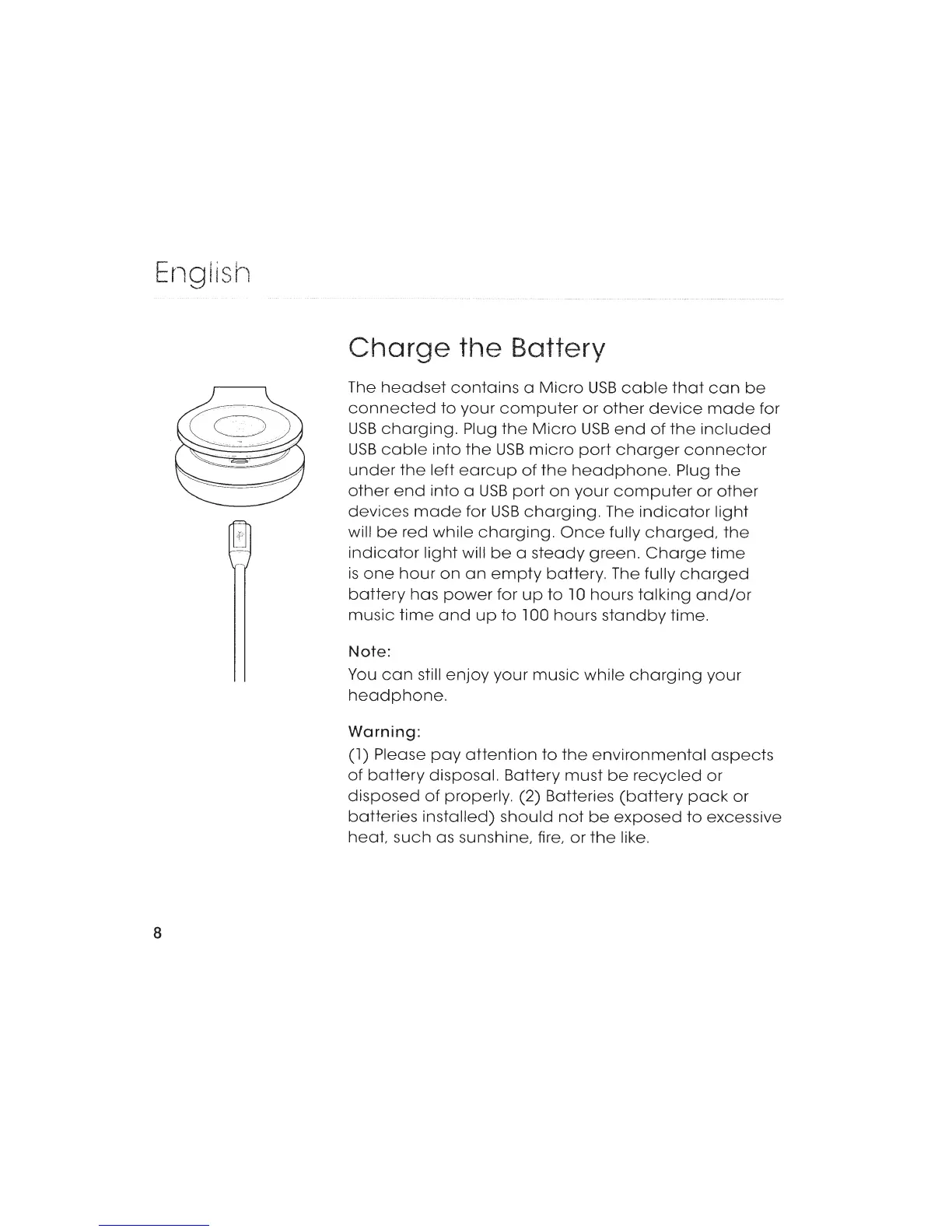
Charge
the Battery
The
headset
contains
a
Micro
USB
cable
that
con
be
connected
to
your
computer
or
other
device
mode
for
USB
charging.
Plug
the
Micro
USB
end
of
the
included
USB
cable
into
the
USB
micro
port
charger
connector
under
the
left
eorcup
of
the
headphone.
Plug
the
other
end
into
a
USB
port
on
your
computer
or
other
devices
mode
for
USB
charging.
The
indicator
light
will
be
red
while
charging.
Once
fully
charged,
the
indicator
light
will
be
a
steady
green.
Charge
time
is
one
hour
on
on
empty
battery.
The fully
charged
battery
has
power
for
up
to
l
0
hours
talking
and/or
music
time
and
up
to
l
00
hours
standby
time.
Note:
You
con
still
enjoy
your
music
while
charging
your
headphone.
Warning:
(l)
Please
pay
attention
to
the
environmental
aspects
of
battery
disposal.
Battery
must
be
recycled
or
disposed
of
properly.
(2) Batteries
(battery
pock
or
batteries
installed)
should
not
be
exposed
to
excessive
heat,
such
as sunshine, fire,
or
the
like.

Related product manuals