3
Aufbau und AnschlüsseFirst steps
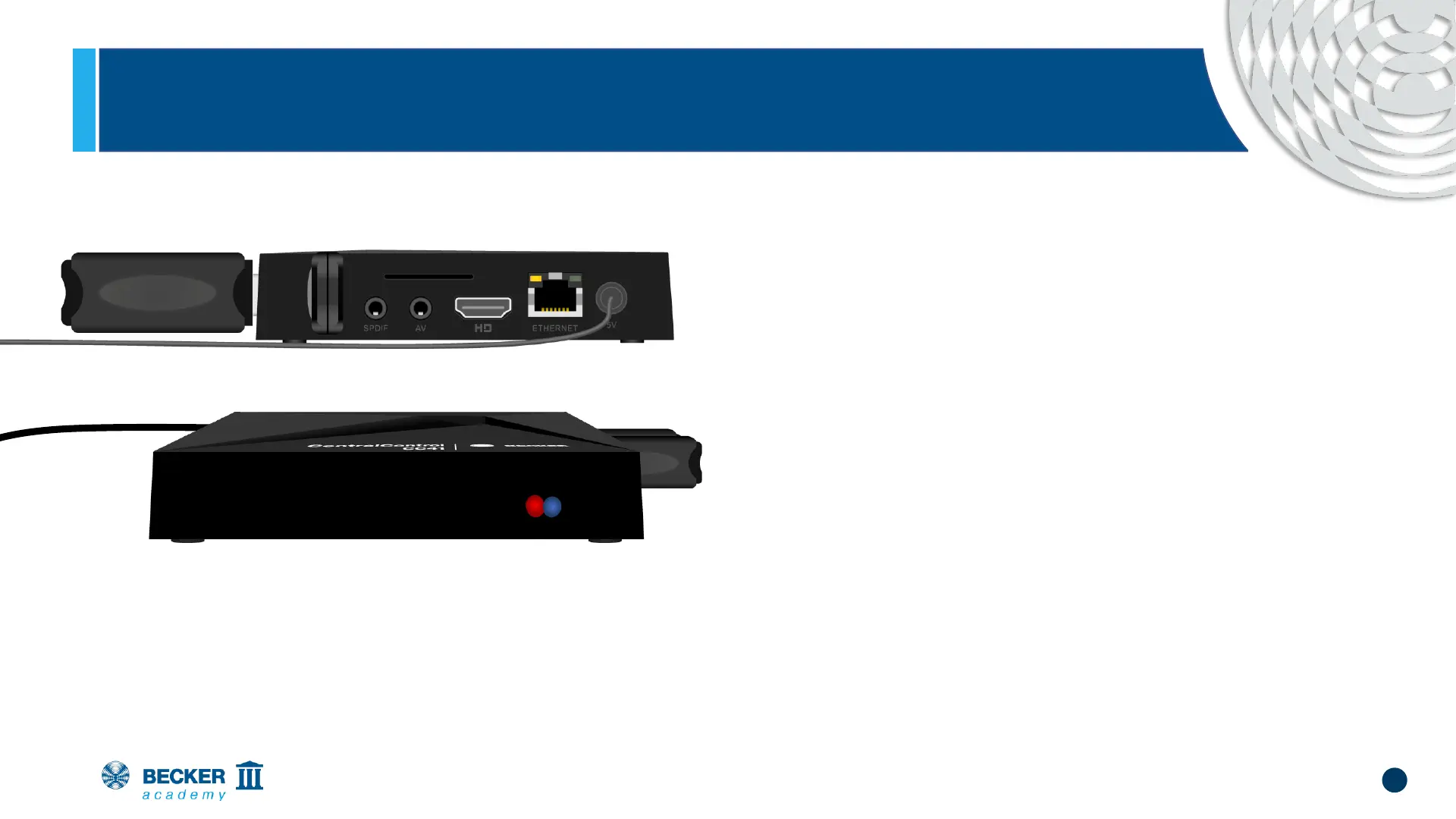
• Plug in the mains cable and wait approx. 5 s
• The red LED on the front flashes red and
blue alternately several times (change of
network configuration)
• After that, the blue LED lights up continuously
and the red LED flashes cyclically, indicating
that the access point is activated - the unit is
now in setup mode


 To Next Page