9
Aufbau und AnschlüsseFirst steps
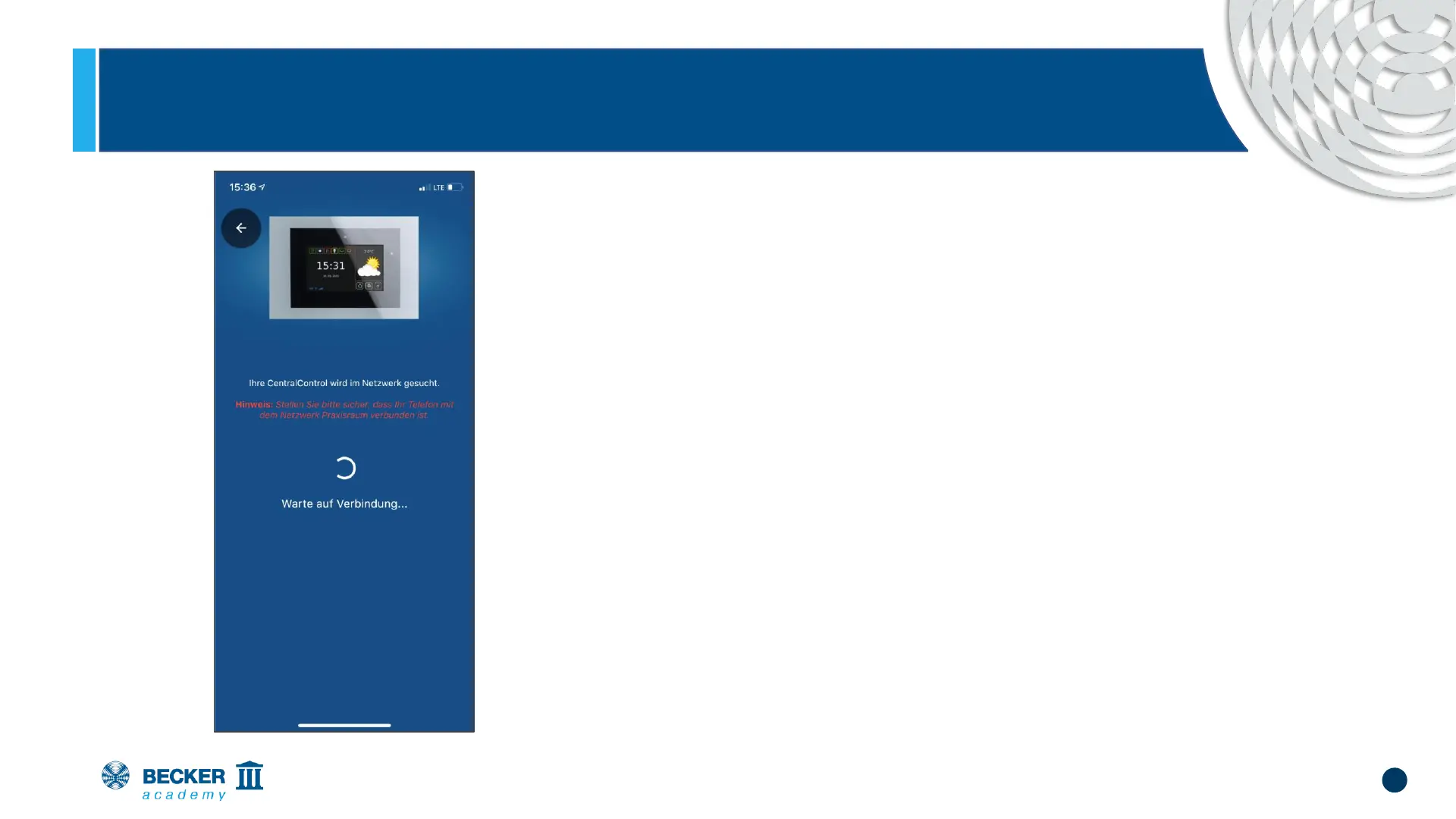
• The CC41 now connects to your home
network
• The LED in the CC41 lights up blue to
indicate that the connection was successful.
• Make sure that your smartphone and the
CentralControl are then in the same
network.


 To Next Page