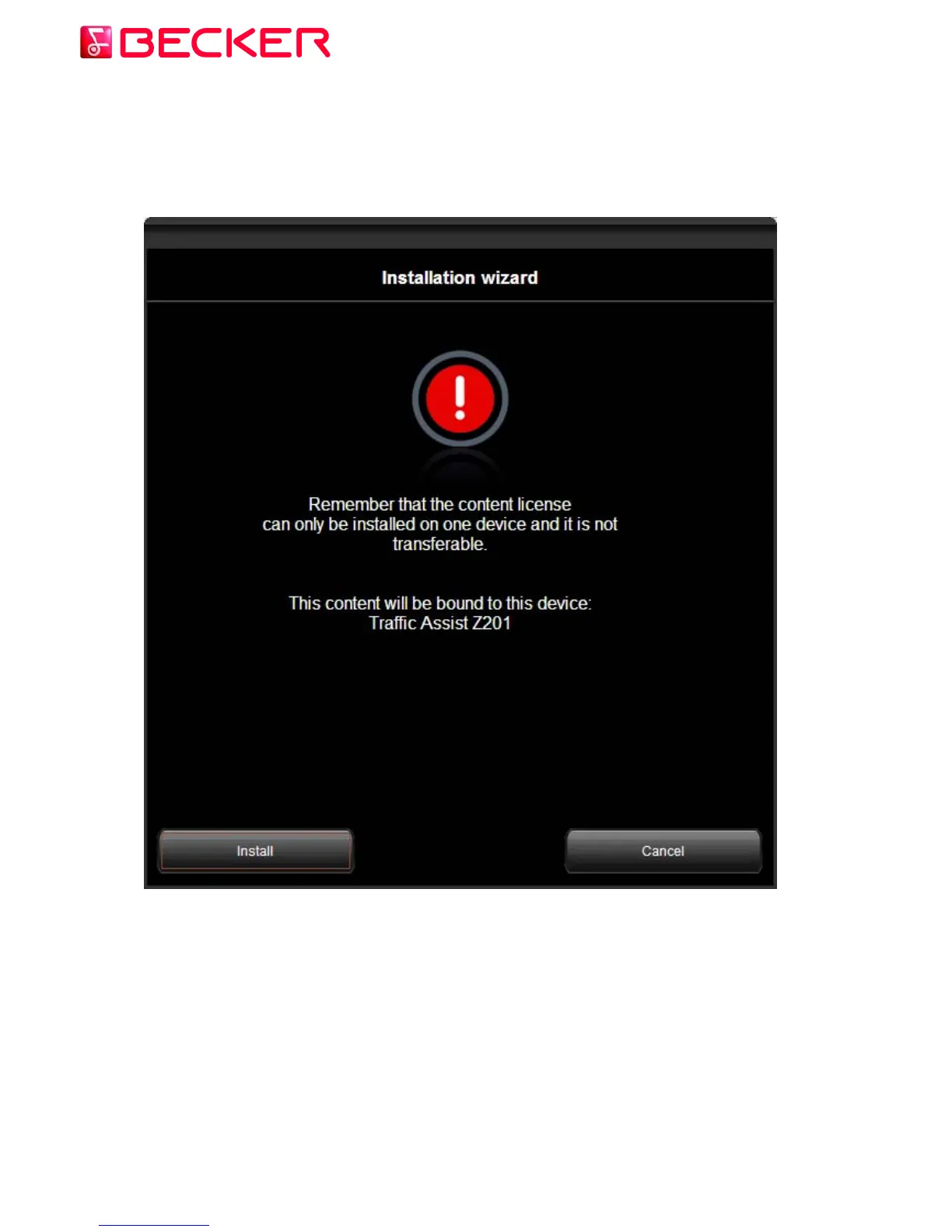
Another warning appears to remind you that the updates can be installed only on one Becker
PND, and after installation you cannot copy or move them to another Becker PND. If you
changed your mind and rather want to install them to another Becker PND, this is the last
point where you can abort the installation.
After you accept it, Content Manager 2.0 will start downloading the necessary files one by
one via the internet to your PC and copy them to your Becker PND.
When the installation of all items is finished, a confirmation message appears on the screen.
© 2010 – United Navigation GmbH 16



 To Next Page