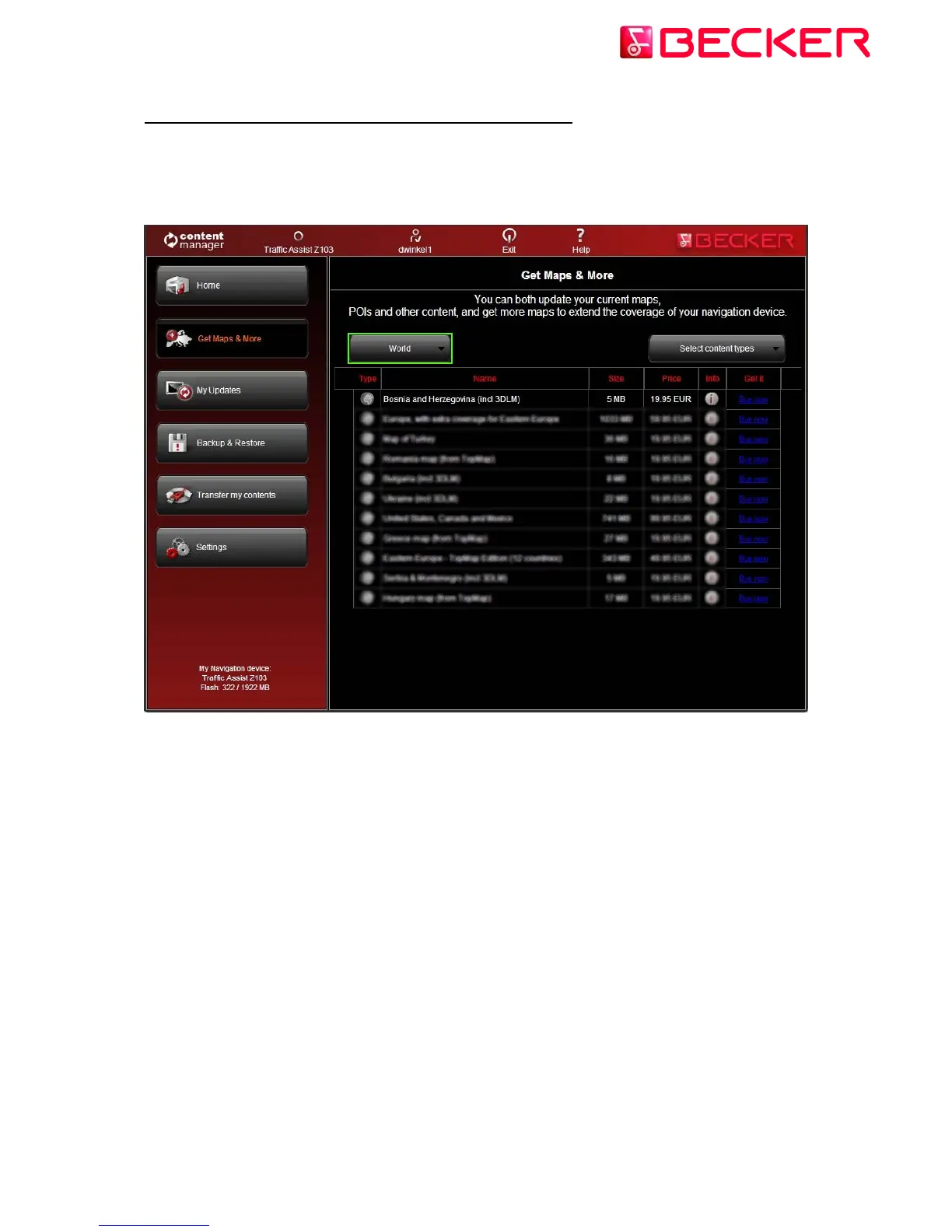
3.) How to browse and select updates in Content Manager 2.0?
After successfully connecting your Becker PND and logging in, you can start browsing
updates and extra maps in Content Manager 2.0. Click on the Get Maps & More button in the
menu bar on the left hand side.
7 © 2010 – United Navigation GmbH



 To Next Page