9. Light and sound indicators
Note: the blue indicator will turn red in case of low power.
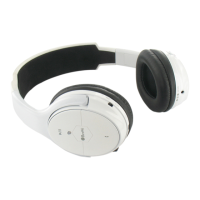
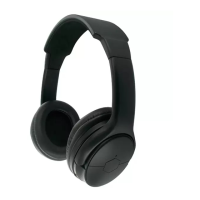
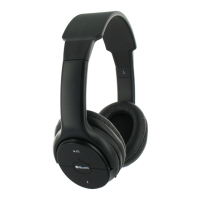
Note: Depending on your headphones colour, the LED colour may differ.
Blue LED can be green on some models.
10. Taking care of your Headphone
• Always store the headphone in a safe place.
• Avoid storage at extreme temperatures, above 45°C (including direct sun-
light) or below -10°C. This can shorten battery life and may affect operation.
• Do not expose the headphone to rain or moisture.
Light indicator
Status
Red light is on (when off)
Charging
Or blinking blue red (when on)
No light Fully charged
Fast red and blue light blink
alternately
Pairing mode
Blue light blinks twice every 3
seconds
Standby mode (not connected)
Blue light blinks every 6 seconds
Standby mode (connected to
Bluetooth device)
Blue light blinks 3 times every 2
seconds
Incoming call
Blue light blinks every 6 seconds In call
Tune notification
Status of headphone
Three tones every 30 seconds
Low power


 To Next Page