6
2.1. Connection
Step 1: Connect a USB modem to the BWG200 router
Step 2: Plug the BWG200 router to the power to turn it on
Note: always connect the USB modem first in the router when it is not yet
plugged to the power. In case another USB modem is used, unplug the
router before changing the USB modem.
2.2. Setup/Configuration
2.2.1. Connection to the router
Detect the Wireless Router in your computer wireless network connection
window. Then click ‘Connect’. The screen shows that the connection is es-
tablished.
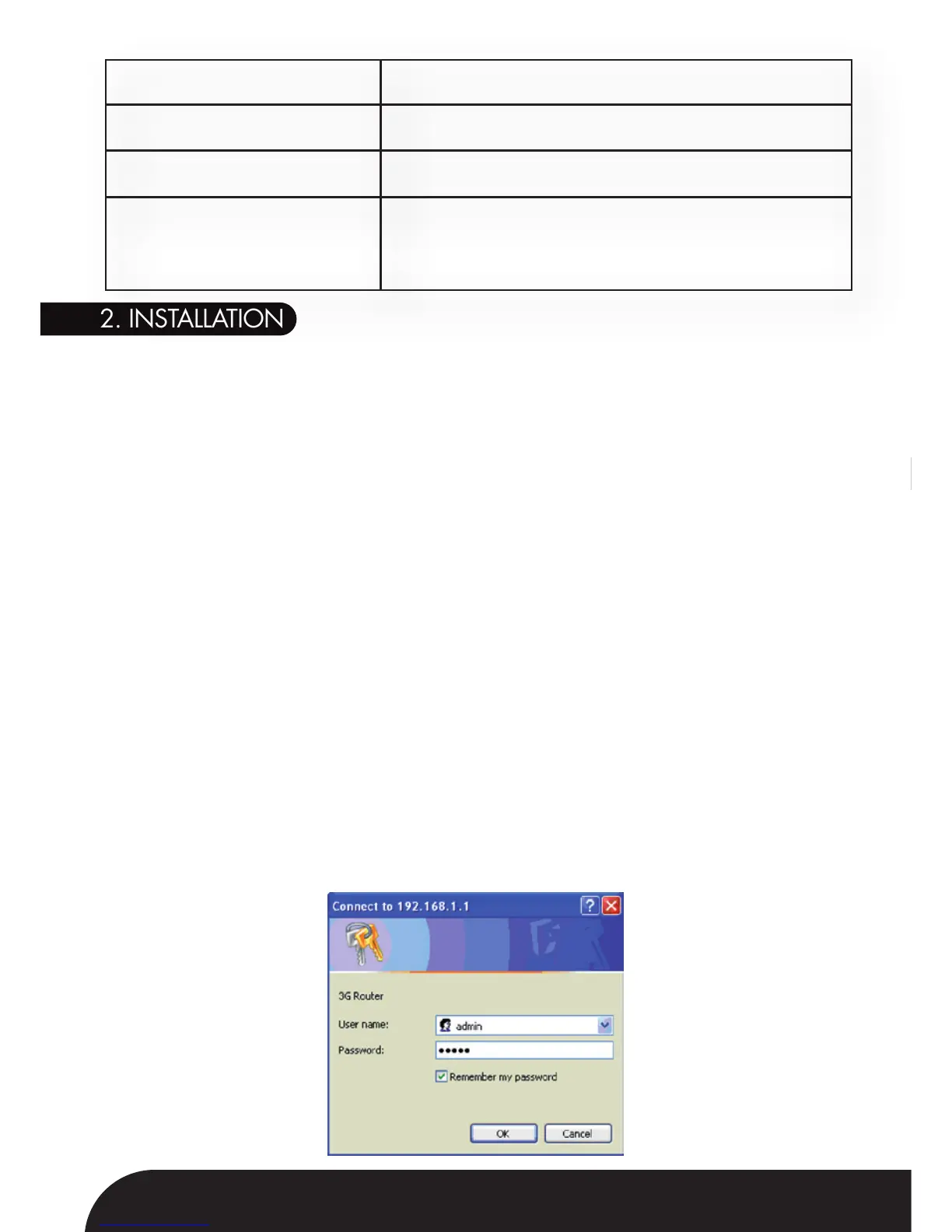
2.2.2. Login
Open a browser and type the IP address in the address bar, for example
http://192.168.1.1.
When connection is established, the Login screen will appear. Type user
name and password (default of both user name and password are ‘admin’),
and click OK.
2. INSTALLATION
Dimensions
Weight
Operating Temperature
Power Supply
100 x 75 x 30 mm
185g (Device only)
0-50°C
PWR100-A: AC 90-260V
(Changeable AC clip adapters for different
standards)



 To Next Page