User Quick Guide
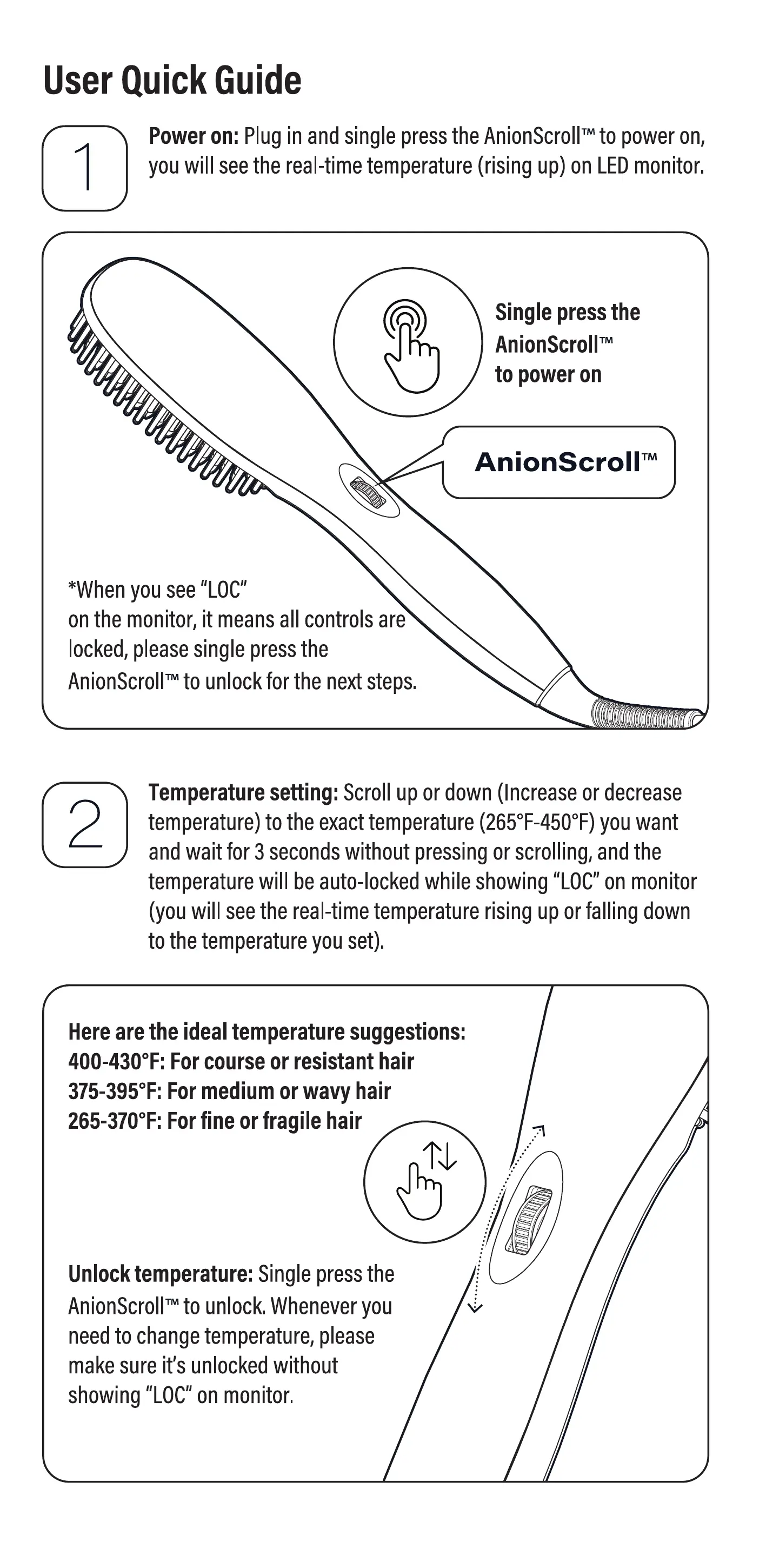
Power on: Plugin and single pressthe AnionScrolFto poweron,
youwil seethe real-timetemperature(rising up) on LEDmonitor.
Single press the
AnionScrollTM
to power on
AnionScroll'M
*Whenyou see"LOC"
on the monitor, it meansall contro sare
locked,pleasesingle pressthe
AnionScrolrto unlockforthenextsteps
Temperaturesetting: Scroll up or down(Increaseor decrease
temperature)to the exacttemperature(265f-4500F)you want
and wait for 3 secondswithout pressingorscrolling,and the
temperaturewill be auto-ockedwhile showing"LOC'on monitor
(youwillseethereal-timetemperaturerisingup orfallingdown
tothetemperatureyouset).
Hereare the ideal temperature suggestions:
400-4300F: For course or resistant hair
375-3950F:Formedium or wavy hair
265-3700F:For fine or fragile hair
Unlock temperature: Single pressthe
to unlock.Wheneveryou
needto changetemperature,please
make sure its unlocked without
showmg"LOC"on monitor,
Style your hair: UseBeKindAnionto brush your hair,this will
makeyour hair readyfor better styling
Holdonetangle Ofhair,operate
brushfromtipto rootofthehair.
Followthe samestepsfor al
your hair styling needswith this
brush iron.
Note:AVOIDheatingthesame
groupof hair for morethan 9
seconds;otherwise,your hair
might get damaged
Wanna Explore Free Tutorials on How to Style
Your Hair Attractive in the Best Way?
Visit Our YouTube Channel
https://bit.lylbekindhair
Or use the phone camera
to scan this QR code
Poweroff:Longpress(2secondsatleast)theAnionScroIlNto
poweroffwhetheritis lockedorunlocked.Dontforgetto unplugit
from the socket.
O Pressandholdthe
AnionScrollrM
to power off
AnionScr011W
'When you wantto use
BeKindAnionagain,it will
heat up automaticallyto the exact
temperatureyou setand used lasttime as
soon asyou powerit on.


 To Next Page
 Loading...