17
Belkin
®
Secure Ultra High Def DP/HDMI to DP/HDMI KVM Switch
INSTALLATION
SECTIONS
Table of Contents
1 2 3 4 5 6 73
Pre-Configuration
Where to place the Switch:
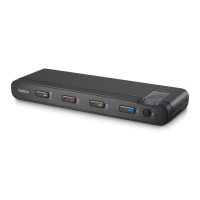
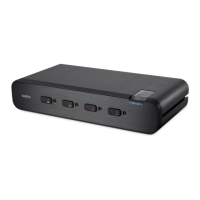
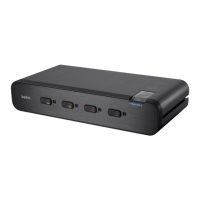
The enclosure of the Switch is designed for desktop or rack-mount
configuration. Rack-mount brackets are not included with the Switch.
Consider the following when deciding where to place the Switch:
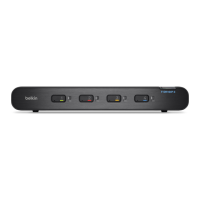
• Your proximity to the port selectors on the front of the Switch
• The lengths of the cables attached to your keyboard, monitor,
and mouse
• The location of your computers in relation to your console
• The lengths of the cables you use to connect your computers to
the Switch
Warning: Avoid placing cables near fluorescent lights,
air-conditioning equipment, or machines that create electrical noise
(e.g., vacuum cleaners).
Important:
1. If the unit’s enclosure appears disrupted or if all channel-
select LEDs flash continuously, please remove product from
service immediately and contact Belkin Technical Support
at (800) 282-2355.
2. Do not connect product to computing devices:
a. That are TEMPEST computers;
b. That include telecommunication equipment;
c. That include frame grabber video cards;
d. That include special audio processing cards.


 To Next Page
 Loading...