20
Belkin
®
Secure Ultra High Def DP/HDMI to DP/HDMI KVM Switch
SECTIONS
Table of Contents
1 2 3 4 5 6 7
INSTALLATION
3
Color Code Chip Installation
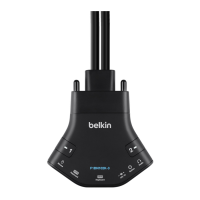
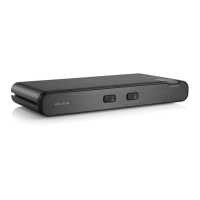
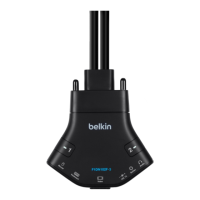
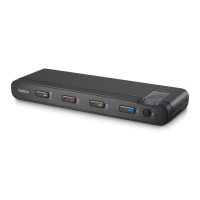
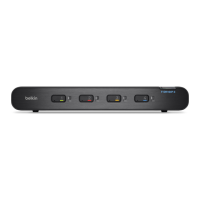
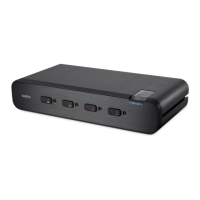
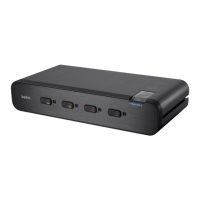
The Belkin Advanced Secure DisplayPort KVM’s port-selector buttons
can be color-coded for easier identification. Refer to the installation
instructions below.
Note: You may have to remove the existing black color chip first.
Insert color chip Remove color chip with
a standard paperclip
Port Name Label
The included network-name and blank labels can be placed in the area
underneath the port-selector buttons for port identification.
Please note that the default port at power-up is port 1. In case of
a power failure or if the power is cycled, the switch will default to port 1.


 To Next Page
 Loading...