22
Belkin
®
Secure Ultra High Def DP/HDMI to DP/HDMI KVM Switch
COMMON ACCESS CARD (CAC) CONFIGURATION AND OPERATION
SECTIONS
Table of Contents
1 2 3 4 5 6 7
5
CAC connection to the computer requires a separate USB cable
connection and allows the user to specify whether there is a CAC
required for that computer or not. This allows the CAC to be connected
and controlled separately to the keyboard, mouse, video and audio.
Step 1 – Installation
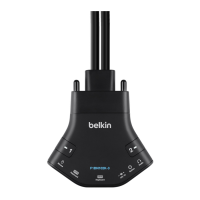
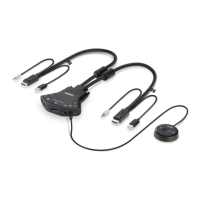
1.1 Using the included USB cable, connect one end of the cable to the
computer that requires CAC, and the other end to the CAC port on
the Belkin Advanced Secure DisplayPort KVM that corresponds to
the computer.
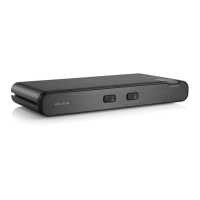
1.2 Enable CAC for the same port connection in Step 1.1 by switching
the CAC switch to the right.
1.3 Repeat steps above for additional computers that require CAC.
Note: Make sure that the CAC switch is disabled (left) for all other
non-connected CAC systems.
1.4 Once configured, the CAC connection will be switched only when
required by the connected computer. When switching from a CAC
enabled port to a non-CAC enabled port, the CAC connection will
remain with the last previously selected port where the CAC was
set to enable.


 To Next Page
 Loading...