7
Belkin
®
Secure Ultra High Def DP/HDMI to DP/HDMI KVM Switch
SECTIONS
Table of Contents
1 2 3 4 5 6 7
OVERVIEW
2
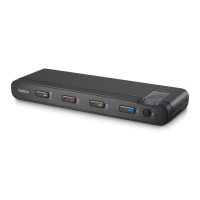
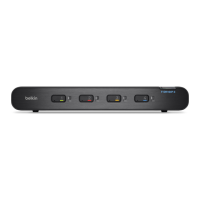
Port Coloring
The included color chips can be inserted into each port-selector button.
Colors can be associated with an established network to facilitate port
identification and reduce user switching error.
Port Naming
The included network-name labels can be placed in the area underneath
the port-selector button to facilitate port identification and reduce user
switching error.
LED Indicators
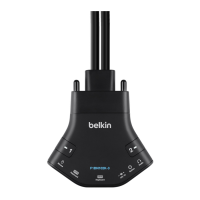
Each port button number illuminates to indicate that the console
currently controls the corresponding computer. As a port selector is
pushed, the LED number will light up.
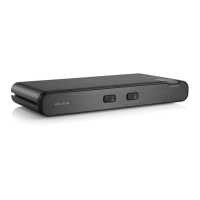
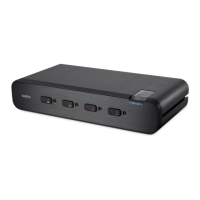
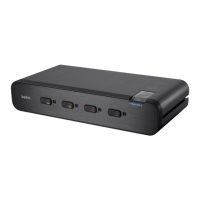
Integrated Mounting Rails
Integrated mounting system for easy under-desk or side-wall mounting.
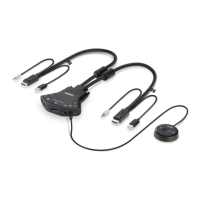
USB Connectors
High-retention USB connectors keep the USB connections secure and
tight, preventing accidental disconnections.
Increased Reliability
Using a new, advanced anti-tampering battery with an extremely low
self-discharge rate the life expectancy of the switch has been
increased dramatically to over 7 years.


 To Next Page
 Loading...