1
Belkin
®
Secure DVI-I KVM Switch with Audio User Manual
INTRODUCTION
SECTIONS
Table of Contents
2 3 4 5 6 871
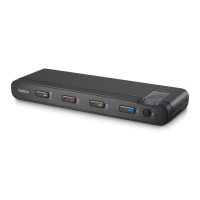
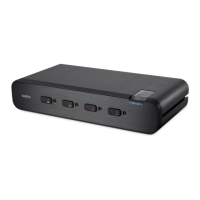
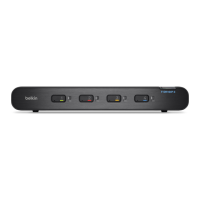
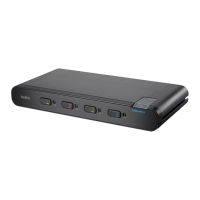
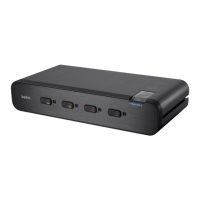
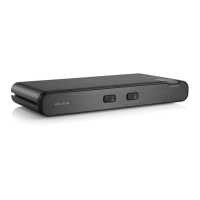
Thank you for purchasing this Belkin Advanced Secure DVI-I KVM
Switch (the Switch). This KVM Switch is designed for use in secure
defense and intelligence installations. The Switch offers safe centralized
control, which prevents unintended data transfer between computers
running at different security levels. The Switch provides the highest
security safeguards and features that meet today’s IA (Information
Assurance) computing requirements.
This User Manual provides all the details you’ll need to install and
operate your new Switch, in addition to expert troubleshooting advice—
in the unlikely event of a problem.
Important: This Switch is equipped with active anti-tamper triggers.
Any attempt to open the enclosure will activate the anti-tamper
triggers and render the unit inoperable. If the unit’s enclosure
appears disrupted or if all the port LEDs flash continuously, please
call Belkin Technical Support at (800) 282-2355.
Important Security Note:
If you are aware of potential security vulnerability while installing or
operating this product, we encourage you to contact us immediately
at the following email address: gov_security@belkin.com
Please note: Belkin Secure KVMs cannot be upgraded, serviced
or fixed.
Package Contents
• Belkin Advanced Secure DVI-I KVM Switch
• 12V 1.5A DC Power Supply
• One set of Interchangeable Port Color Chips (multiple colors)
• One set of Port-Naming Labels
• 6 Ft. USB Cable (F1DN104C-3 model only)
• User Manual



 To Next Page
 Loading...