2
Belkin
®
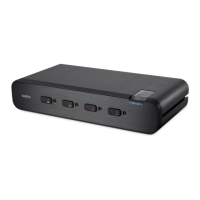
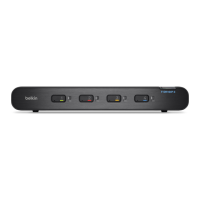
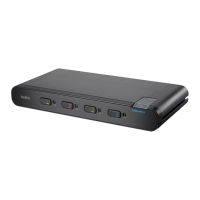
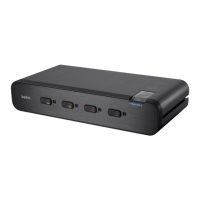
Secure DVI-I KVM Switch with Audio User Manual
SECTIONS
Table of Contents
2 3 4 5 6 87
INTRODUCTION
1
Safety Precautions
Please read the following safety precautions carefully before using the
product:
• Before cleaning, disconnect the product from any electrical power
supply.
• Do not expose the product to excessive humidity or moisture.
• Do not store or use for extensive period of time in extreme thermal
conditions – it may shorten product lifetime.
• Install the product only on a clean secure surface.
• If the product is not used for a long period of time, disconnect it
from electrical power.
• If any of the following situations occurs, have the product checked
by a qualified service technician:
– Liquid penetrates the product’s case.
– The product is exposed to excessive moisture, water or any
other liquid.
– The product is not working well even after carefully following
the instructions in this user’s manual.
– The product has been dropped or is physically damaged.
– The product shows obvious signs of breakage or loose internal
parts.
– In case of external power supply – If power supply overheats, is
broken or damaged, or has a damaged cable.
• The product should be stored and used only in temperature and
humidity controlled environments as defined in the product’s
environmental specifications.
• Never attempt to open the product enclosure. Any attempt to
open the enclosure will permanently damage the product.
• The product contains a non-replaceable internal battery. Never
attempt to replace the battery or open the enclosure.
• This product is equipped with an always-on active anti-tampering
system. Any attempt to open the product enclosure will activate
the anti-tamper triggers and render the unit inoperable and
warranty void.



 To Next Page
 Loading...