7
Belkin
®
Secure DVI-I KVM Switch with Audio User Manual
SECTIONS
Table of Contents
1 3 4 5 6 87
OVERVIEW
2
Other Features
The Belkin Advanced Secure DVI-I KVM Switch was designed with the
user in mind for today’s IT environment. Below is a summary of some
features incorporated into the Switch.
USB Support
The Switch is compatible with USB technology and supports plug-and-
play connectivity with USB computers, keyboards, and mice.
DVI-I Support
The Switch supports both digital and analog video signals. Analog
signals are passed through.
Dual-Link DVI Support
The Switch supports video resolutions of up to 3840x2160 pixels.
Audio Switching
Allows you to share speakers between computers.
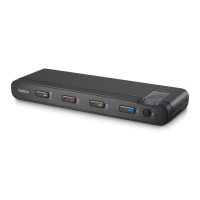
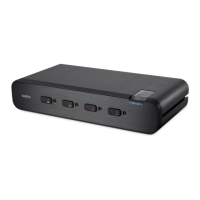
Port Coloring
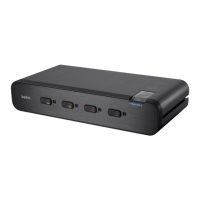
The included color chips can be inserted into each port-selector button.
Colors can be associated with an established network to facilitate port
identification and reduce user switching error.
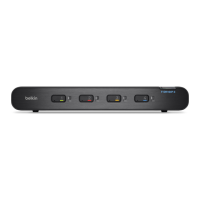
Port Naming
The included network-name labels can be placed in the area underneath
the port-selector button to facilitate port identification and reduce user
switching error.
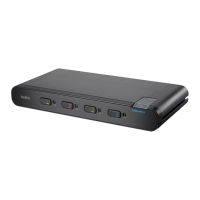
LED Indicators
Each port button number illuminates to indicate that the console
currently controls the corresponding computer. As a port selector is
pushed, the LED number will light up.
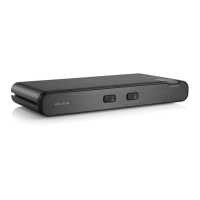
Integrated Mounting Rails
Integrated mounting system for easy under-desk or side-wall mounting.



 To Next Page
 Loading...