12
Operation Details (cont.)
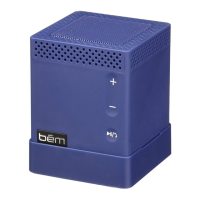
Speaker Phone
After pairing your mobile phone to Speaker Mojo II with
Bluetooth, the speaker phone function can be used.
• Making a call: Call will automatically transfer to the
speakerphone. If not, tap play/pause button;
• Answering a call: Tap play/pause button to answer the
incoming call;
• Ending a call : Tap play/pause button during the call to
end the call;
• Rejecting a call : Hold play/pause button to reject the
incoming call;
• Redial last number: Double tap play/pause button to redial
the last number when it is not in a call.
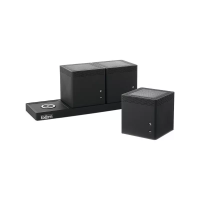
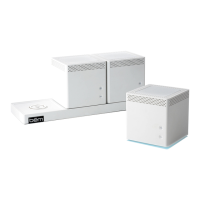
If you are using the speaker phone function in Stereo Speaker
Mode, please note that the call will come through the “L”
speaker. The volume and microphone functions will only work on
the “L” speaker.


 To Next Page