Operation Instructions
➢ The Controls
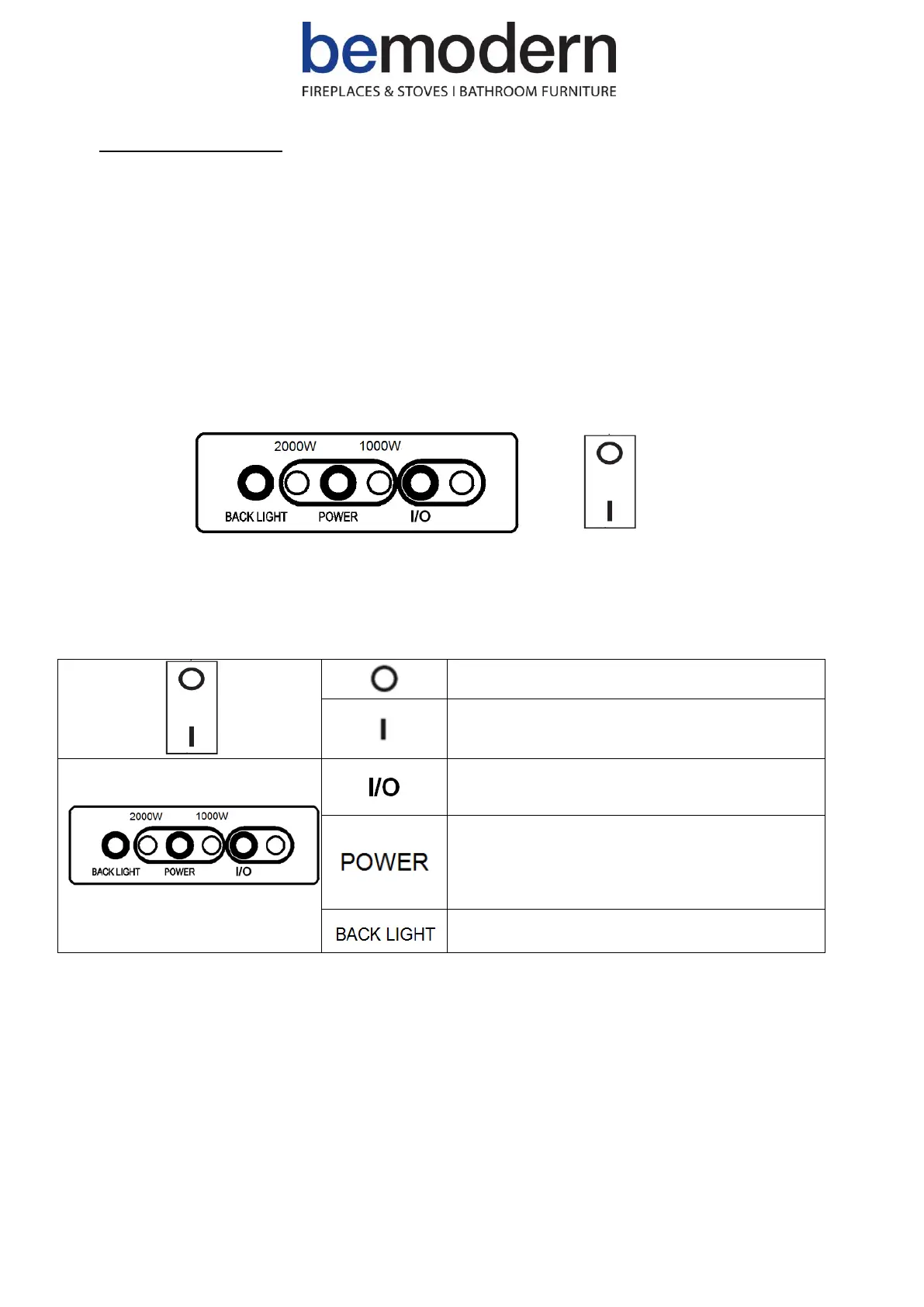
▪ Switching ON / OFF
• Use the ON / OFF switch to power on the heater (set it to standby mode).
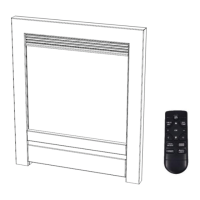
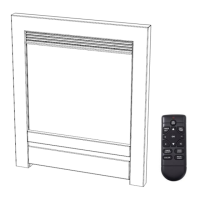
• In standby mode, the heater can be operated either manually by the switches located at the top and right hand
side of heater or by the supplied remote control.
▪ Manual Operation
• NOTE: The heater only starts working if the set temperature is higher than the ambient room temperature.
Heater powered on, set to standby mode
- Press to switch the flame effect ON / OFF
- Press and hold to toggle between 7 different
flame effect colours
- Press once to activate low level
heating(1000W)
- Press twice to activate high level
heating(2000W)
- Press three times to switch off heating
- Press to toggle between 7 different back light
effect colours


 To Next Page