9
User Instructions Continued
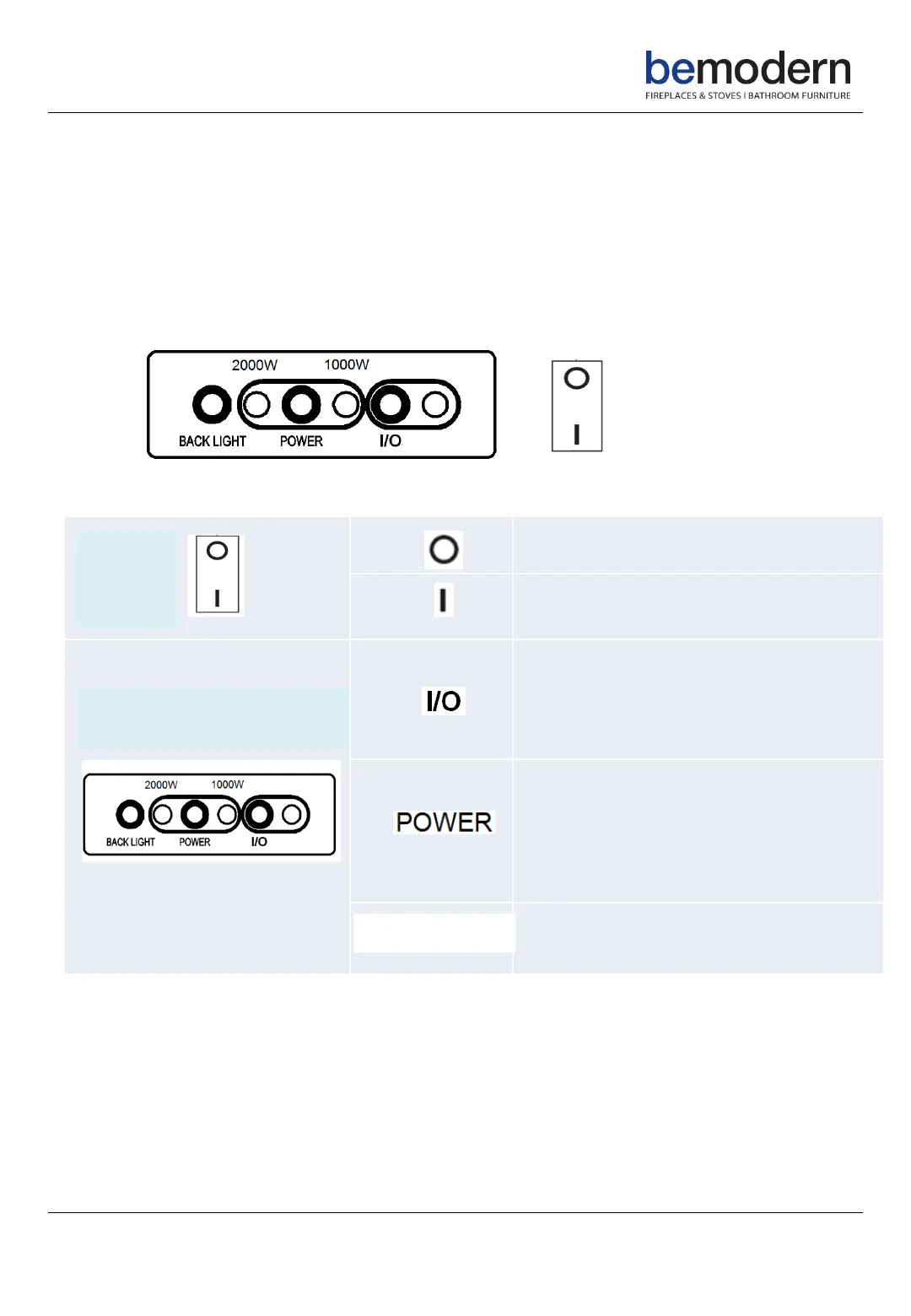
Manual control panel
200797_1
Use the ON / OFF switch to power on the heater (set it to standby mode).
In standby mode, the heater can be operated either manually by the switches
located behind the fret or by the supplied remote control.
Heater powered on, set to standby
mode
Press to switch the flame
ON / OFF
Press and hold to toggle
5 different flame effect colours
Press once to activate low level
heating(1000W)
Press twice to activate high level
heating(2000W)
Press three times to switch off
heating
Press to toggle between 7
different fuel bed effect colours
BACKLIGHT
Main
Power
Switch
Appliance Control
Panel


 To Next Page