t
AP
1
HEADING
SELECT
(HDG) MODE
In the heading mode, the autopilot will
intercept and fly a selected heading. The
following steps should be taken
to
operate
in the heading mode:
1.
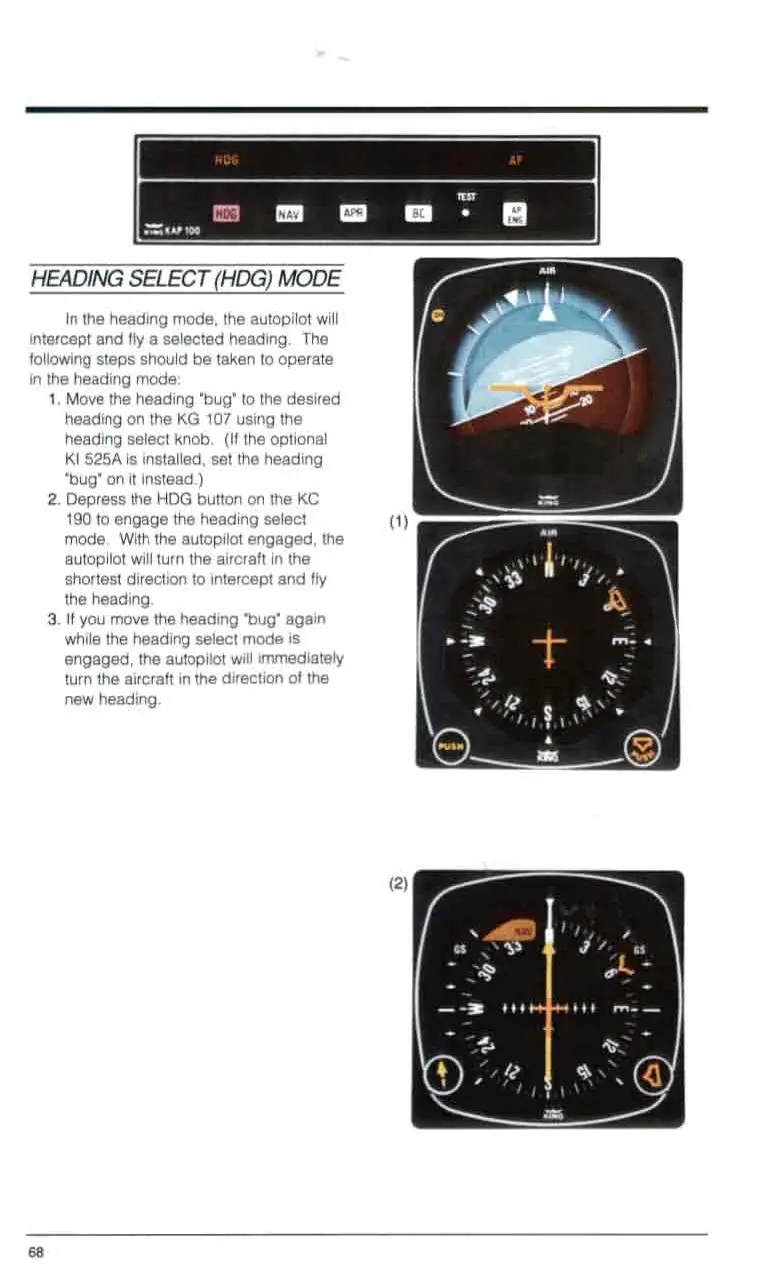
Move the heading 'bug"
to
the desired
heading on the
KG
107
using the
heading select knob. (If the optional
KI
525A
is installed, set the heading
"bug" on it instead.)
2.
Depress the HDG button on the
KC
190
to engage the heading select
mode. With the autopilot engaged, the
autopilot will turn the aircraft in the
shortest direction
to
intercept and fly
the heading.
3.
If
you move the heading "bug" again
while the heading select mode is
engaged, the autopilot will immediately
turn the aircraft in the direction
of
the
new heading.
0
0
0
0
0
0
0
0



 To Next Page