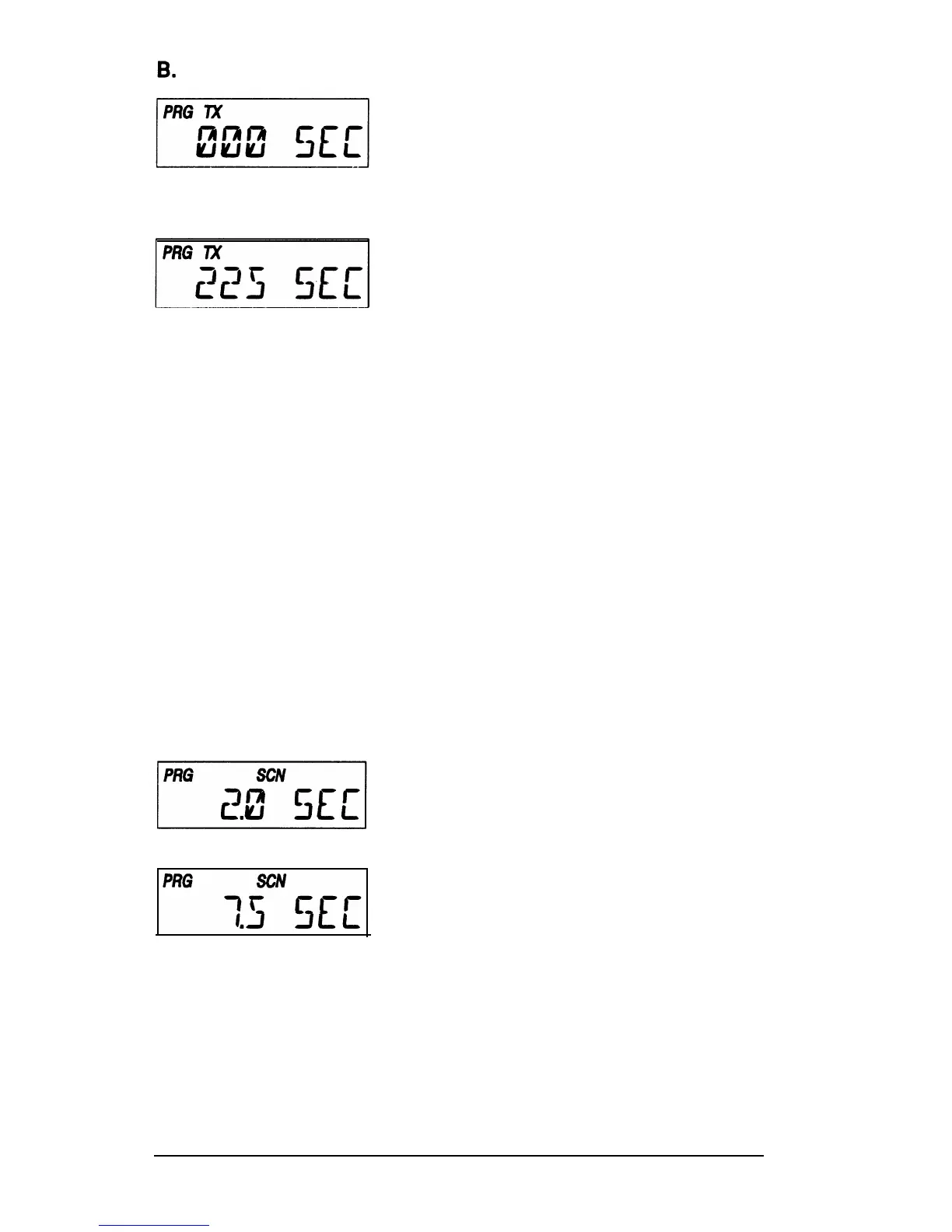
TRANSMITTER TIME OUT TIMER
After the ID number is set, the display
annunciator will indicate
PRG TX.
This is
the duration of the transmitter Time Out
Timer. 0
SEC
means the Time Out Timer
is disabled.
Press the
[PRI]
key to increase the Time
Out Timer duration by 15 seconds, with a
maximum of 225 seconds (3 minutes, 45
seconds). Press the
[PRI]
key again to
change the duration from 225 seconds to
zero.
Press the
[CLR]
key to set the Time Out
Timer duration to zero.
Press the
[ENT]
key to store the changed
setting and advance to the next section.
Press the
[FCN]
key to advance to the
next section if no change is needed, or if a
new setting is only to be cloned, not stored
locally.
C
.D
SCAN DELAY TIME
After the Time Out Timer is set, the upper
display will indicate
PRG
SCN. This is the
scan delay time in seconds.
Press the
[PRI]
key to increase the scan
delaytime by .5 seconds, up to 7.5 seconds.
Press the
[PRI]
key again to change the
time from 7.5 seconds to 0.
Press the
[CLR]
key to reset the scan
delay time to 0.
Press the
[ENT]
key to store the changed
setting and advance to the next section.
Press the
[FCN]
key to advance to the
next section if no change is needed, or if a
new setting is only to be cloned, not stored
locally.
6 BENDIX/KING


 To Next Page