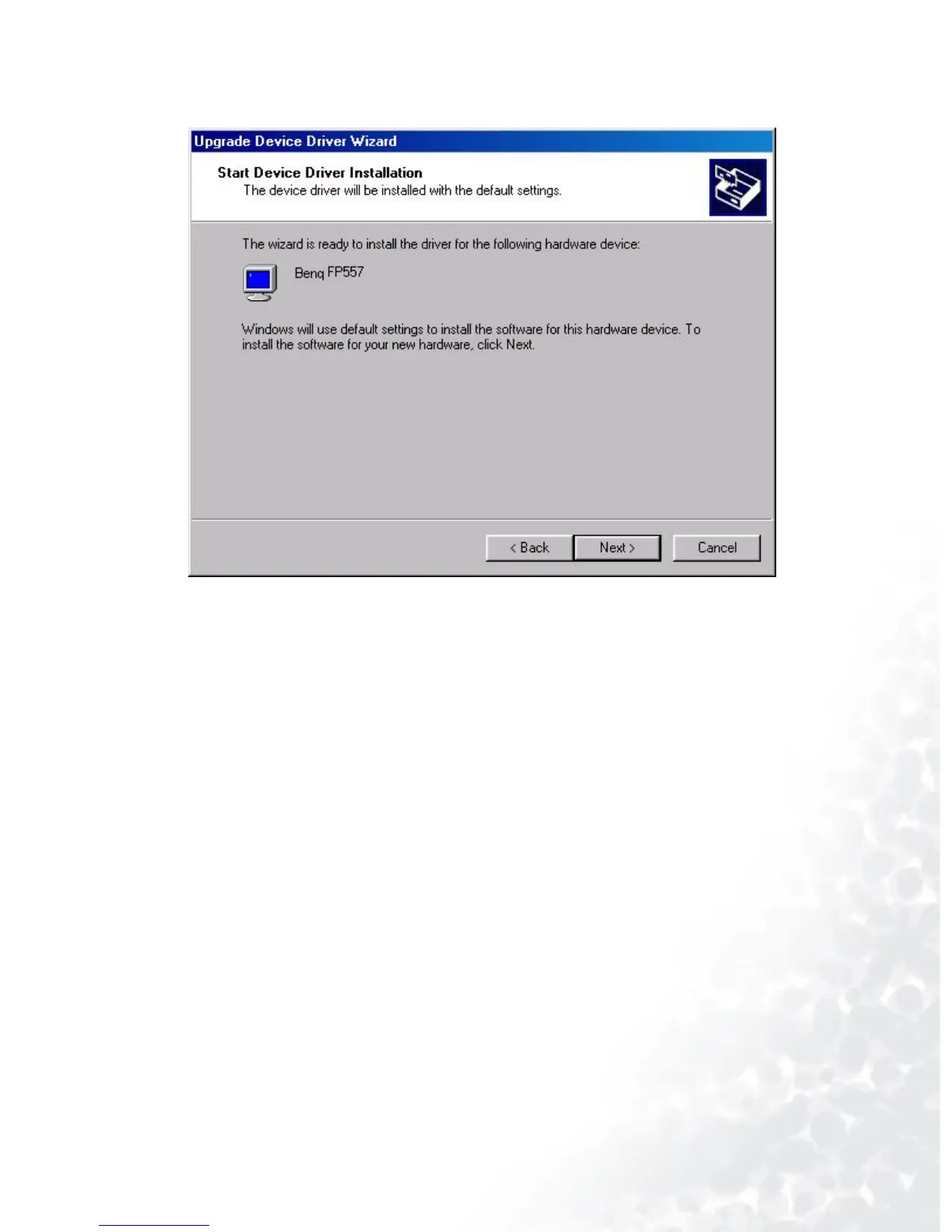
29 How to install your monitor’s software
11. In the list of folders within the CD-ROM, select “Drivers” folder then click “Open” twice, then
click “OK”. Select your LCD Mode (FP783) from the list in the next window then click “Next”
twice.
12. The new drivers are now installed on your computer.
Windows ME. To manually install or update the driver, perform the following steps:
1. Click “Start”, “Settings”, “ Control Panel” and then double-click “Display”.
2. In the Display Properties window, click the “Settings” tab and click “Advanced...”.



 To Next Page