16 How to install your monitor’s software
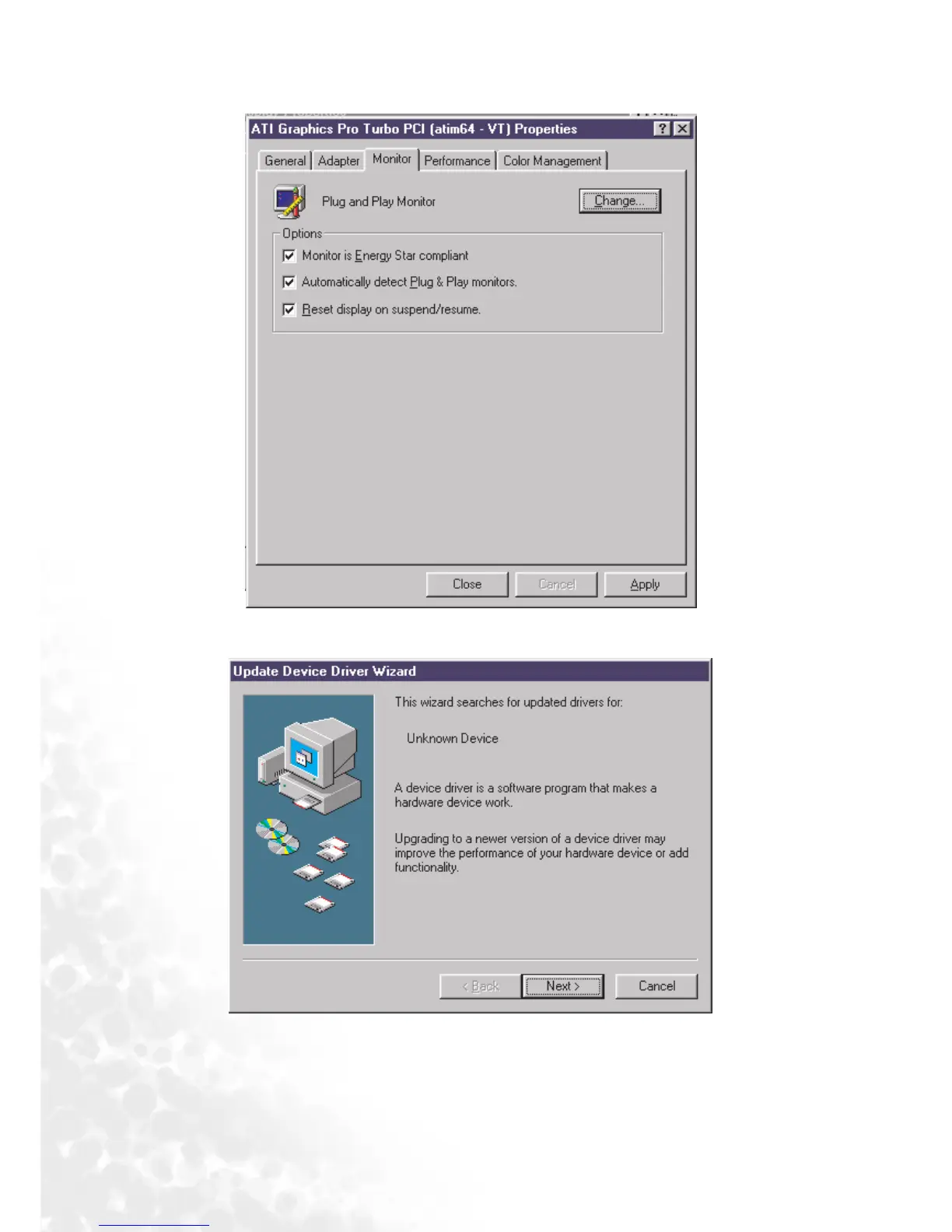
3. Select the “Monitor
MonitorMonitor
Monitor” tab. Click the “Change
ChangeChange
Change” button in the top right corner.
4. The “Update Device Driver Wizard
Update Device Driver WizardUpdate Device Driver Wizard
Update Device Driver Wizard” opens. Confirm by clicking “Next
NextNext
Next”.



 To Next Page