6 How to assemble your monitor hardware
5. Turn on the power.
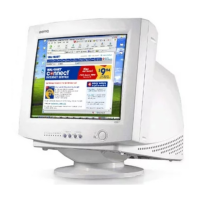
Picture may differ from product supplied for your region.
Turn on the monitor by pressing the power button on the
right of the monitor.
Turn on the computer too, and follow the instructions in
Section 4: Getting the most from your BenQ monitor on
page 8 to install the monitor software.
To extend the service life of the product, we recommend
that you use your computer's power management
function.
Downloaded from ManualMonitor.com Manuals



 To Next Page
 Loading...