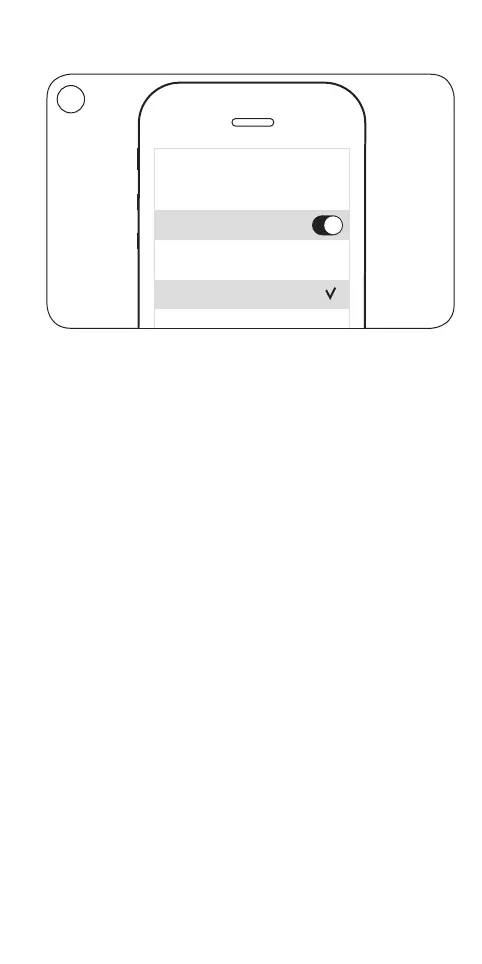
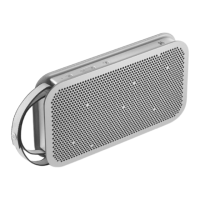
EN When the product indicator flashes blue, switch on
Bluetooth on your device, find the device list and select
BeoPlayA2.
S När produktens indikator blinkar blått, slå på Bluetooth på
din enhet, sök i listan över enheter och välj BeoPlayA2.
DA Når produktindikatoren blinker blåt, tænd Bluetooth på din
enhed, find listen med enheder, og vælg BeoPlayA2.
DE Schalten Sie Bluetooth auf Ihrem Gerät ein, wenn die
Anzeige blau blinkt, gehen Sie zu der Geräteliste und
wählen Sie BeoPlayA2 aus.
NL Wanneer de productindicator blauw knippert, schakel dan
Bluetooth in op uw apparaat, zoek in de apparatenlijst en
selecteer de BeoPlay A2.
FR Lorsque le témoin lumineux de l’appareil clignote en bleu,
activez le Bluetooth sur votre appareil, recherchez la liste
d’appareils et sélectionnez BeoPlayA2.
ES Cuando el indicador del equipo parpadee en color azul,
active la interfaz Bluetooth en el dispositivo, busque la lista
de dispositivos y seleccione BeoPlayA2.
… Bluetooth pairing
8
10:12
Bluetooth
Bluetooth
CHOOSE
BeoPlay A2
3


 To Next Page