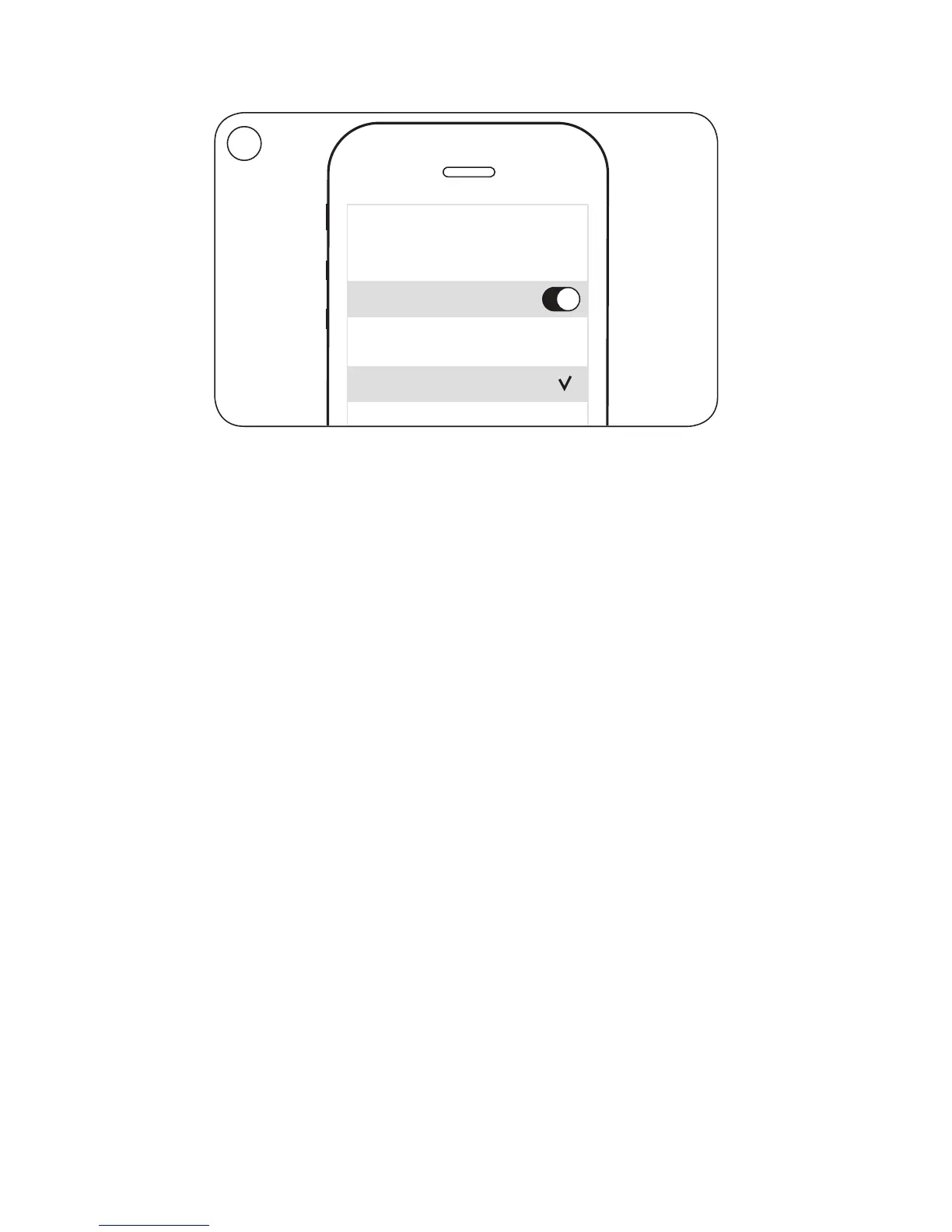
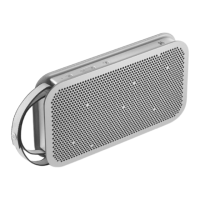
EN When the product indicator flashes blue, switch on
Bluetooth on your device. Find the device list and select
BeoPlayA2. The product indicator turns solid blue, a sound
prompt is heard and BeoPlayA2 is ready to play.
DA Når produktindikatoren blinker blåt, tænd Bluetooth på din
enhed, find listen med enheder, og vælg BeoPlayA2.
Produktindikatoren lyser blåt, der lyder et lydsignal,
og BeoPlayA2 er klar til at afspille.
DE Schalten Sie Bluetooth auf Ihrem Gerät ein, wenn die
Anzeige blau blinkt, gehen Sie zu der Geräteliste und
wählen Sie BeoPlayA2 aus. Die Anzeige leuchtet dauerhaft
blau, es erklingt ein Ton und BeoPlayA2 ist einsatzbereit.
ES Cuando el indicador del equipo parpadee en color azul,
active la interfaz Bluetooth en el dispositivo, busque la lista
de dispositivos y seleccione BeoPlayA2. El indicador del
equipo permanecerá iluminado en color azul y BeoPlayA2
emitirá un sonido para confirmar que está preparado para
reproducir.
FR Lorsque le témoin lumineux de l’appareil clignote en bleu,
activez le Bluetooth sur votre appareil, recherchez la liste
d’appareils et sélectionnez BeoPlayA2. Le témoin lumineux
de l’appareil s’allume en bleu, une alerte sonore retentit et
le BeoPlayA2 est prêt à fonctionner.
… Bluetooth pairing
8
10:12
Bluetooth
Bluetooth
CHOOSE
BeoPlay A2
3


 To Next Page