8
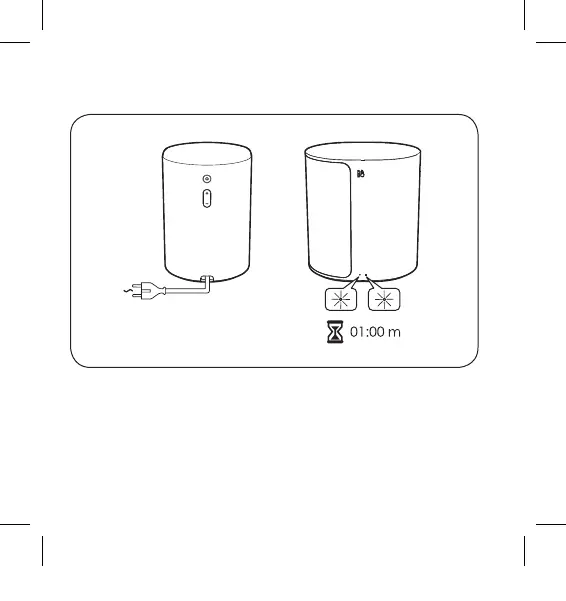
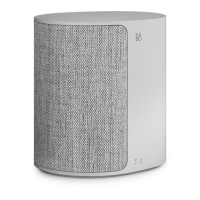
EN Connect Beoplay M3 to the mains supply. Wait for 1 minute
while both the connectivity indicator and the product
indicator are flashing white. After the connectivity indicator
flashes orange and a sound prompt is heard, the product is
booted up and ready to be set up with the BEOPLAY app.
Connecting your M3
3511491_1706_Beoplay_M3_A_Quick start Guide.indd 8 2017-7-14 17:09:18


 To Next Page