112/187
Touch four arrows to adjust the 4 speakers volume to control the sound effect. The 4 speakers volume is
consistent when the black dot is right at the center. Touch the restore icon “ ” at the bottom to restore the
defaulted balance setting.
Loudness Setting
Sliding to the left or right to adjust the loudness. The higher the loudness, the higher the low frequency
value of the sound. Please adjust the loudness reasonably to avoid loss of frequency signal.
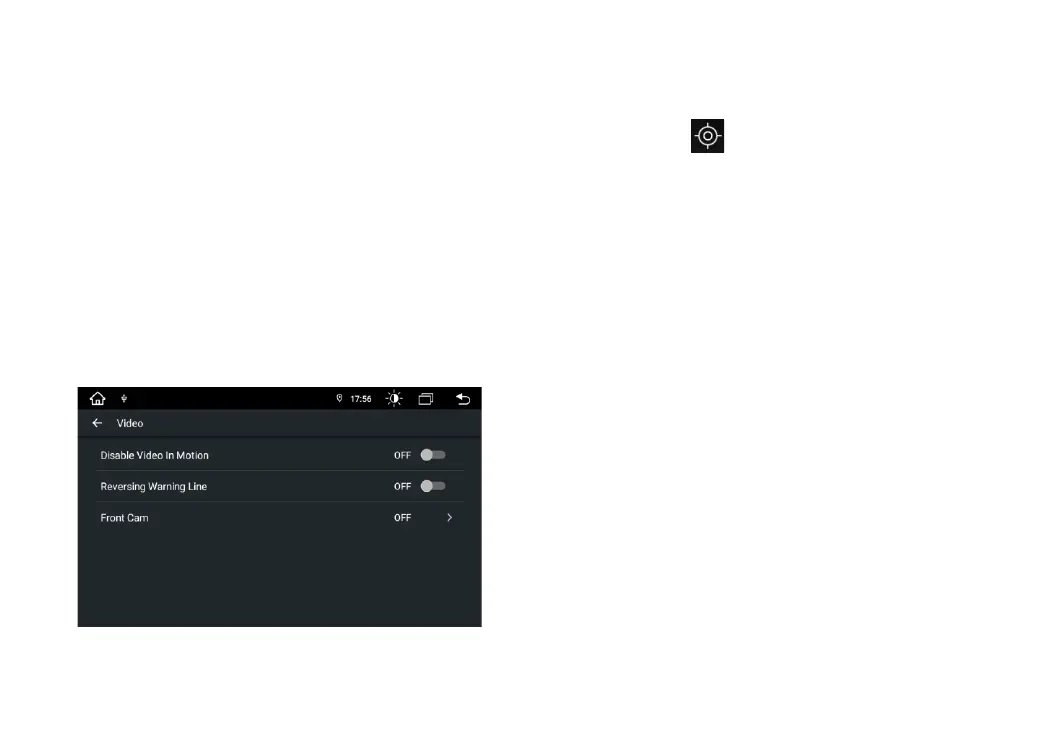
Video Option


 To Next Page
 Loading...