12 | English
1 609 92A 1DD • 23.7.15
tained, the vibration emission may differ. This may
significantly increase the exposure level over the
total working period.
An estimation of the level of exposure to vibration
should also take into account the times when the
tool is switched off or when it is running but not ac-
tually doing the job. This may significantly reduce
the exposure level over the total working period.
Identify additional safety measures to protect the
operator from the effects of vibration such as:
maintain the tool and the accessories, keep the
hands warm, organisation of work patterns.
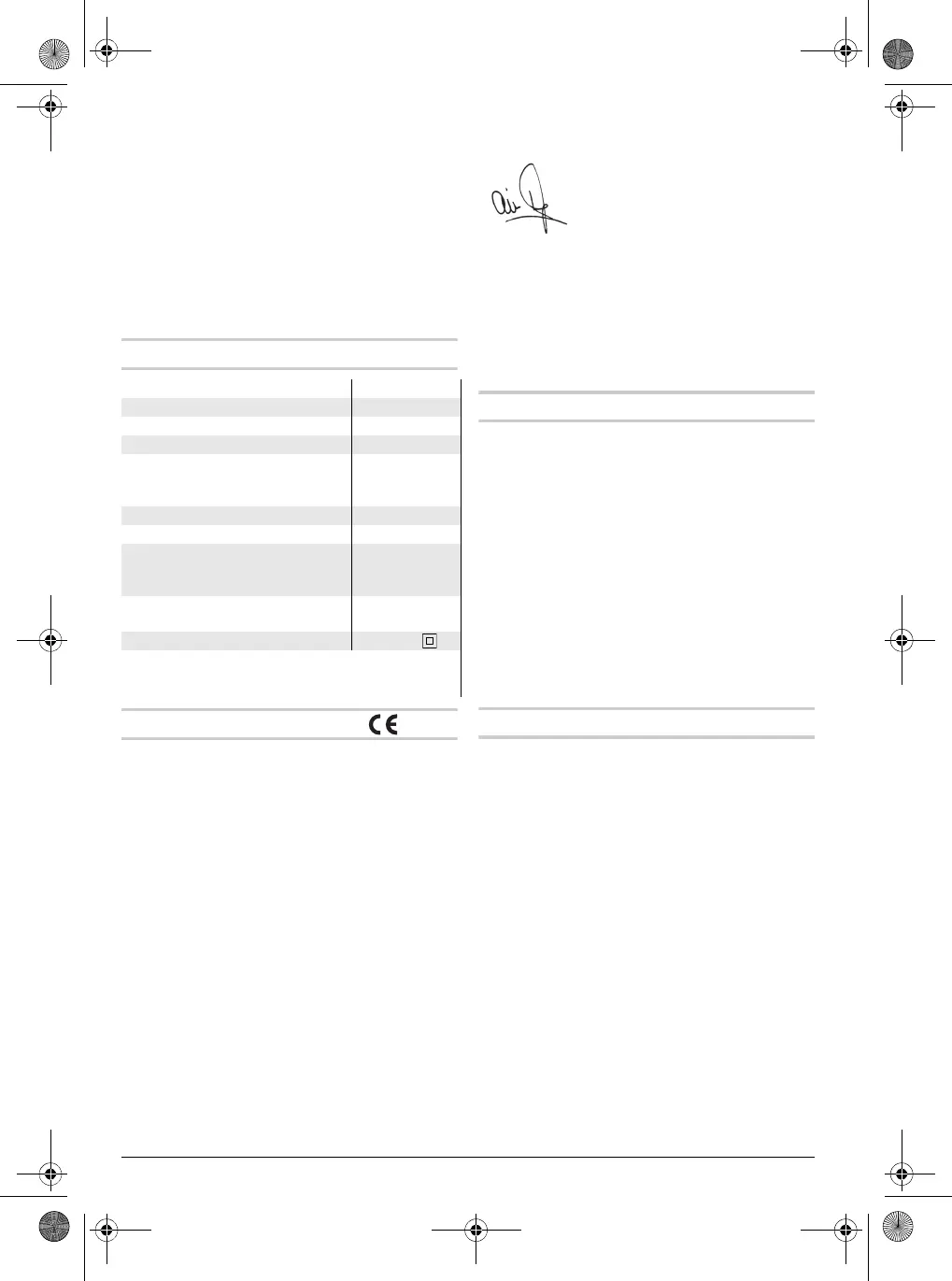
Technical Data
Declaration of Conformity
We declare under our sole responsibility that the
product described under “Technical Data” is in
conformity with all relevant provisions of the direc-
tives 2011/65/EU, until 19 April 2016:
2004/108/EC, from 20 April 2016 on:
2014/30/EU, 2006/42/EC, 2000/14/EC including
their amendments and complies with the following
standards: EN 60745-1, EN 60745-2-6.
2000/14/EC: Guaranteed sound power level 105.
Conformity assessment procedure according to
Annex VI.
Equipment category: 10
Notified body:
TÜV NORD CERT GmbH & Co. KG,
Am TÜV 1, 30519 Hannover
Technical file (2006/42/EC, 2000/14/EC) at:
Berner Trading Holding GmbH,
Bernerstraße 6,
74653 Künzelsau
GERMANY
25.06.2015, Berner Trading Holding GmbH
Bernerstraße 6
74653 Künzelsau
GERMANY
Assembly
Auxiliary Handle
Operate your machine only with the auxiliary
handle 7.
The auxiliary handle 7 can be set to any position for
a secure and low-fatigue working posture.
– Loosen the knurled nut 8, rotate the auxiliary
handle 7 around the axis of the machine to the
required position and tighten the knurled nut 8
again.
– The auxiliary handle 7 can be mounted to a dif-
ferent position. For this, completely unscrew the
knurled nut 8 and then pull out the hexagon bolt
upward. Pull off the auxiliary handle 7 to the side
and turn around the remaining clamping ele-
ment by 180 °. Mount the auxiliary handle 7 in re-
verse order.
Changing the Tool
Before any work on the machine itself, pull the
mains plug.
With the SDS-max tool holder, simpler and easier
tool changing is possible without additional aids.
The dust protection cap 1 largely prevents the pen-
etration of dust into the tool holder during opera-
tion. When inserting the tool, pay attention that the
dust protection cap 1 is not damaged.
A damaged dust protection cap should be
changed immediately. We recommend having
this carried out by an after-sales service.
Inserting (see figure A)
– Clean and lightly grease the shank end of the
tool.
– Insert the tool in a twisting manner into the tool
holder until it latches itself.
– Check the latching by pulling the tool.
Removing (see figure B)
– Push back the locking sleeve 2 and remove the
tool.
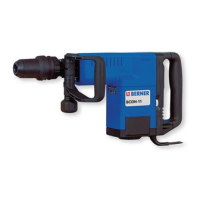
Demolition Hammer BCDH-11
Art. No. 000062
Rated power input W 1500
Impact rate min
-1
900 – 1890
Impact energy per
stroke according to
EPTA-Procedure 05/2009 J 16.8
Chisel positions 12
Tool holder SDS-max
Lubrication Central
permanent
lubrication
Weight according to EPTA-
Procedure 01:2014 kg 10.1
Protection class /II
The values given are valid for a nominal voltage [U] of
230 V. For different voltages and models for specific coun-
tries, these values can vary.
Armin Hess
Chairman of the Managemant Board
OBJ_BUCH-711-003.book Page 12 Thursday, July 23, 2015 4:30 PM


 To Next Page
 Loading...