INSTRUCTIONS
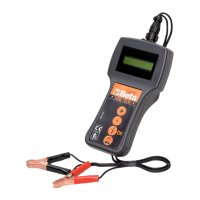
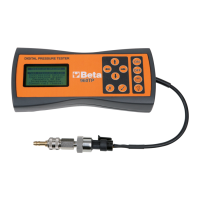
Connect the pressure sensor to the pressure tester.
Press the “ON” switch.
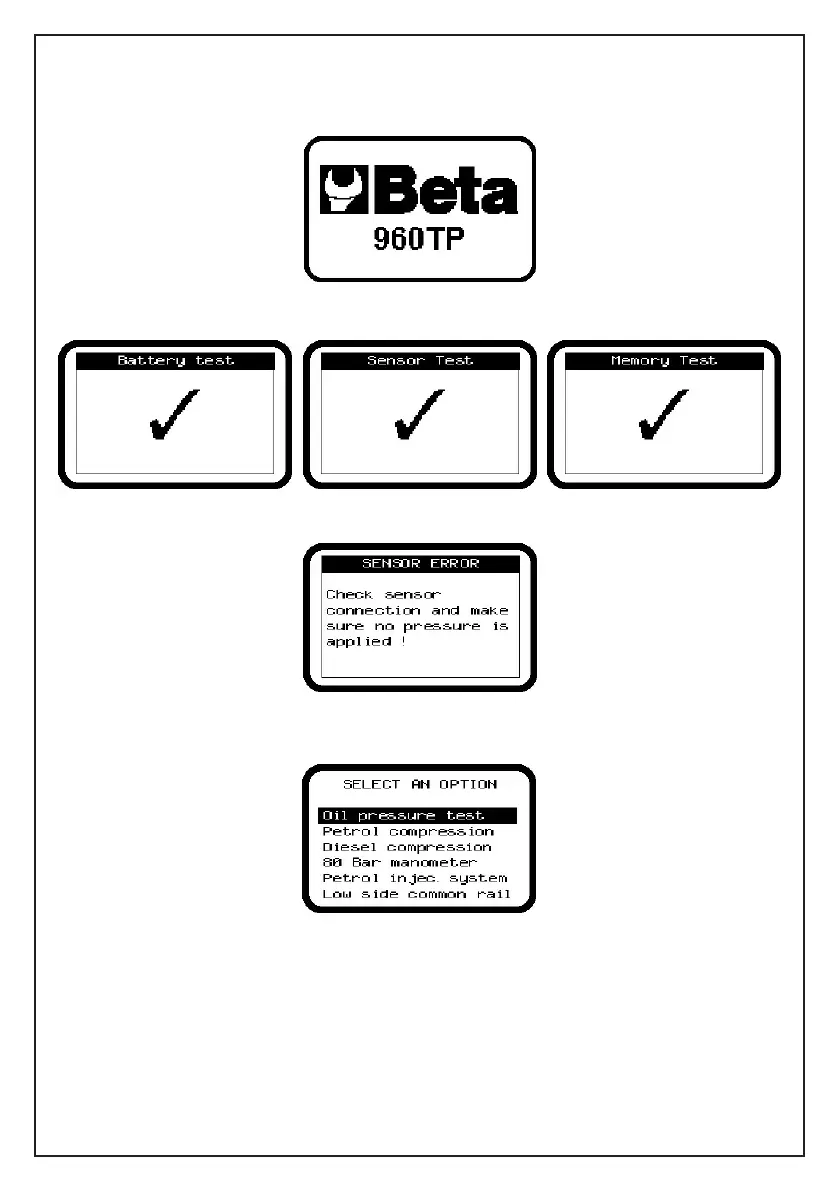
The display will show the welcome message for 3 seconds.
A “Power on test” will be performed.
If there is any problem, a message explaining the problem will be displayed.
After the “Power on test” is finished successfully, a menu will be shown. You can select an option
using the up and down arrow and the OK button (3) to confirm your selection.


 To Next Page