15
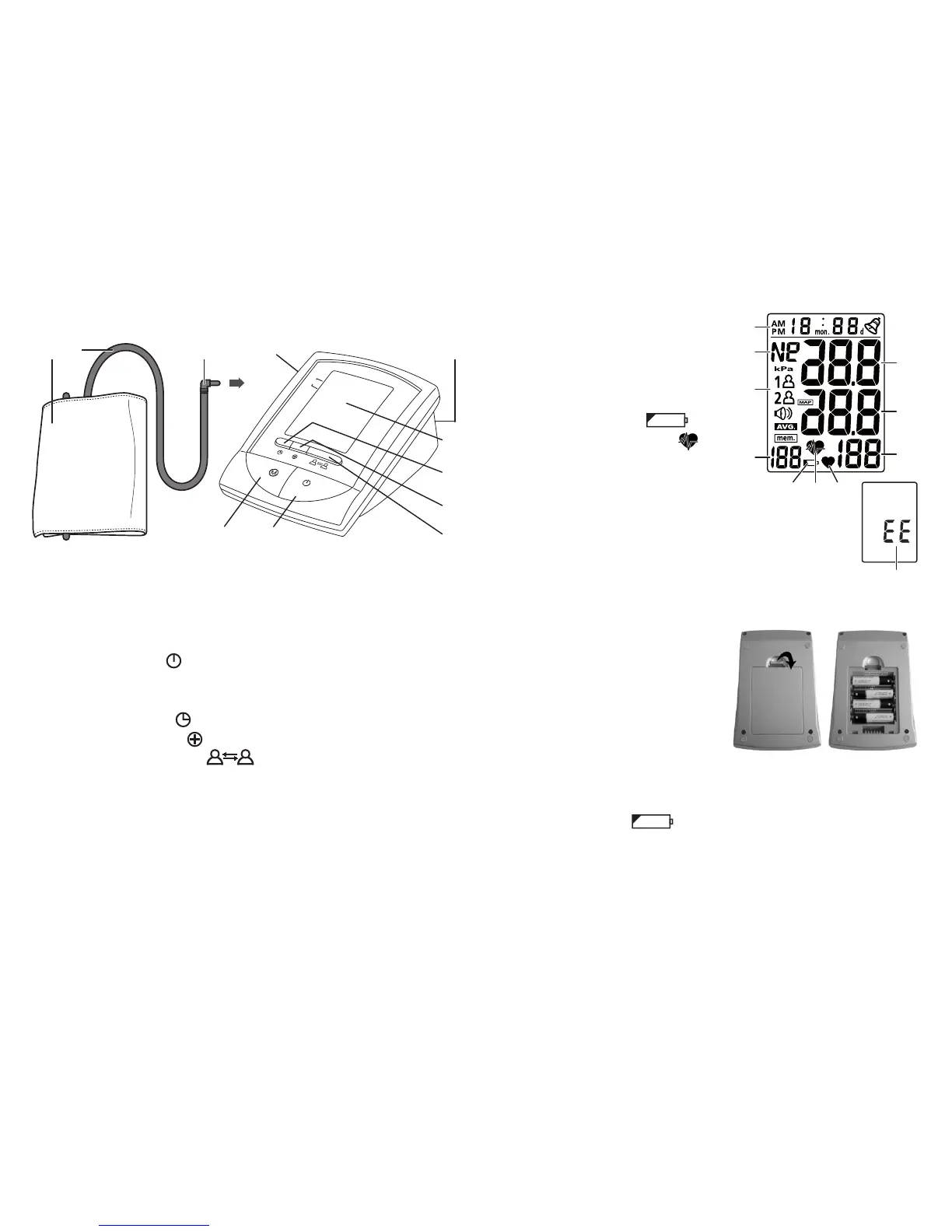
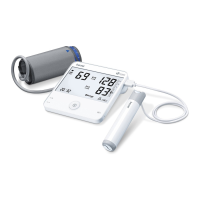
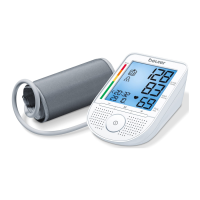
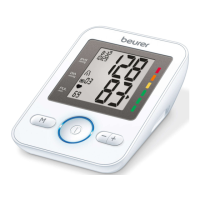
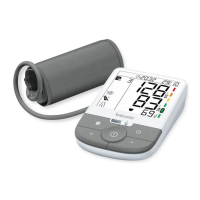
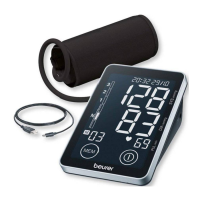
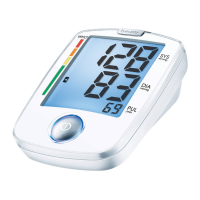
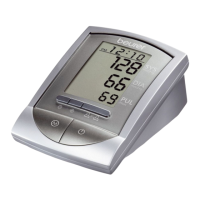
3. Unit description
1. Cuff tube
2. Cuff
3. Cuff connector
4. Cuff connector port (left side)
5. Memory button M
6. ON/OFF button
7. Mains part port (rear)
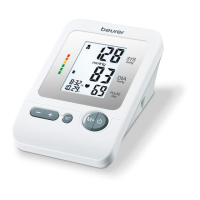
8. Display
9. Date/time button
10. Adjustment button
11. User selection button
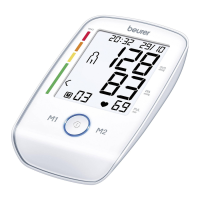
Icons in the display:
1. Date/Time Indicator
2. WHO classification
3. Memory Zones
4. Memory Sequence Number
5. Weak Battery Mark
6. Cardiac arrhythmia icon
7. Pulse Mark
8. Pulse Rate
9. Diastolic Pressure
10. Systolic Pressure
11. Problem shown on the display
4. Prepare measurement
Inserting battery
•
Remove the battery cover from
the back of the monitor.
•
Insert four AA 1.5 V alkaline bat-
teries. making absolutely sure
that you insert them with the
correct polarity as marked.
Never use rechargeable batter-
ies.
•
Replace the battery cover carefully.
If the battery change
is continuously illuminated, meas-
urement is no longer possible and you must replace all the bat-
teries. Once batteries have been removed from the device, the
time must be reset.
1 32 4
8
11
10
9
65
7
WHO
11
1
2
8
9
10
5 7
3
4
6
4 x 1.5 V AA (LR6)


 To Next Page