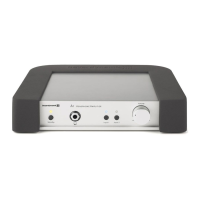
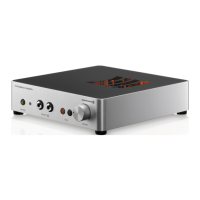
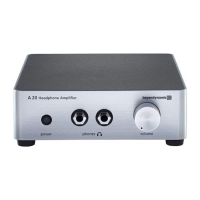
A 1 – Controls and Indicators
6
• Do not insert objects into openings. You could damage the device and/or injure yourself.
• Refer all servicing to qualified service personnel. Servicing is required when the A 1 has been damaged in any way,
such as power-supply cord or plug is damaged, liquid has been spilled or objects have fallen into the A 1, the A 1
has been exposed to rain or moisture, does not operate normally, or has been dropped.
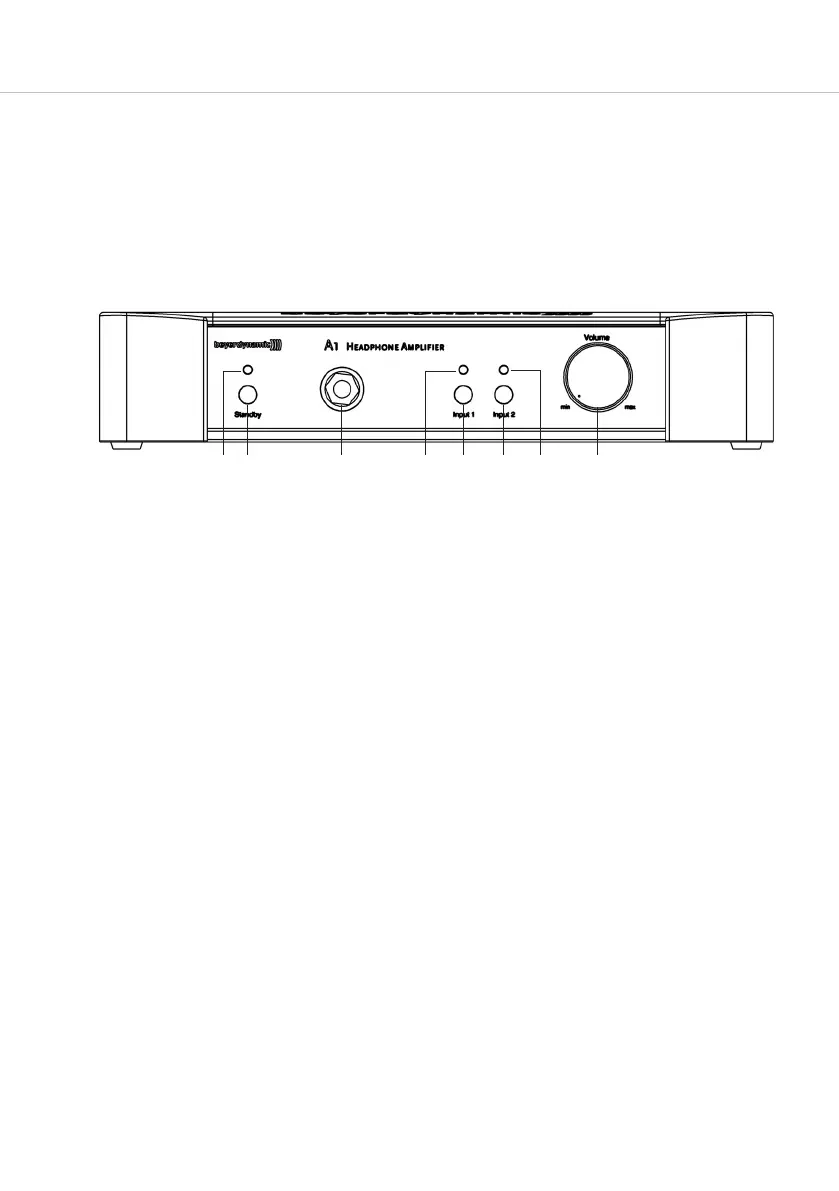
Dual-colour LED to indicate the operating state of the A 1.
Red: Stand-by, i.e. the amplifier is not active as there is no signal at the headphone socket.
The amplifier, however, is connected to the mains supply.
Green: The A 1 is ready for operation, the amplification is active. When a signal is fed into the selected input, it
is routed to the headphone socket according to volume control.
Red flashing: A technical defect of the A 1 has occurred. Please contact your beyerdynamic dealer for repair.
Button to activate / deactivate the amplification function of the A 1.
Important:
The button does not disconnect the device from the mains supply when turning off.
Unplug the device if you want to disconnect it from the mains supply. Before using the device make sure that
the mains plug is in perfect condition. If you do not use the device for a longer period of time, please unplug
the mains plug.
Headphone socket, 1/4" (6.35 mm) stereo jack, to connect standard headphones.
LED to indicate the active signal input, Input 1 or. Input 2.
The blue LED will illuminate if a signal is present.
Button to select the sound source of the A 1. Input 1 is automatically looped through to the output socket on
the rear; Input 2 can be activated, if another sound source is connected to the A 1. Refer also to chapter
5. “Application example”.
Volume control to set the volume.
Important:
We would like to point out that listening at high volumes over a long period of time may damage your hearing
irreversibly. Therefore, reduce the volume before putting into operation and when changing the audio source,
as the connected devices or reproduced audio data can have very different output levels.
Make sure that the set volume is not too high. Rule of thumb: The higher the volume, the shorter the time of
listening. According to employer’s regulations for safety and health the noise exposure e.g. when working
should not exceed 85 dB (low volume). This is an allowed time of listening of 8 hours at maximum. If the
volume is increased by 3 dB, the allowed time of listening is halved, i.e. with 88 dB the time of listening is
4 hours, with 91 dB 2 hours and so on.
3. Controls and indicators
Front view


 To Next Page
 Loading...