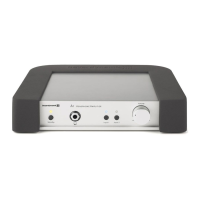
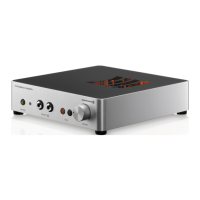
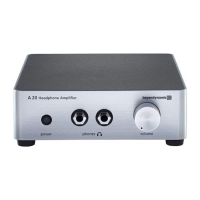
A 1 – Trouble Shooting
9
5. Trouble shooting
6. Technical specifications
Input impedance . . . . . . . . . . . . . . . . . . . . . . . 50 kΩ
Maximum amplification . . . . . . . . . . . . . . . . . . 18 dB
Frequency response . . . . . . . . . . . . . . . . . . . . . 1 Hz - 100 kHz (-1 dB)
T.H.D. . . . . . . . . . . . . . . . . . . . . . . . . . . . . . . . 0.001% at 170 mW / 250 Ω
Channel separation . . . . . . . . . . . . . . . . . . . . . > 89 dB
Output power . . . . . . . . . . . . . . . . . . . . . . . . . 100 mW / 600 Ω
170 mW / 250 Ω
150 mW / 30 Ω
Unweighted signal-to-noise ratio . . . . . . . . . . . > 100 dB
Output impedances . . . . . . . . . . . . . . . . . . . . . Line Out (depending on the connected device),
100 Ω headphone output
Power consumption. . . . . . . . . . . . . . . . . . . . . < 15 W via internal, controlled power pack
Audio connections. . . . . . . . . . . . . . . . . . . . . . Headphone socket,
1 Line output,
2 Audio inputs (gold-plated RCA sockets)
Mains power input. . . . . . . . . . . . . . . . . . . . . . 110 - 120 V AC, 50/60 Hz
Dimensions . . . . . . . . . . . . . . . . . . . . . . . . . . . 250 x 225 x 50 mm
Weight . . . . . . . . . . . . . . . . . . . . . . . . . . . . . . approx. 2.3 kg
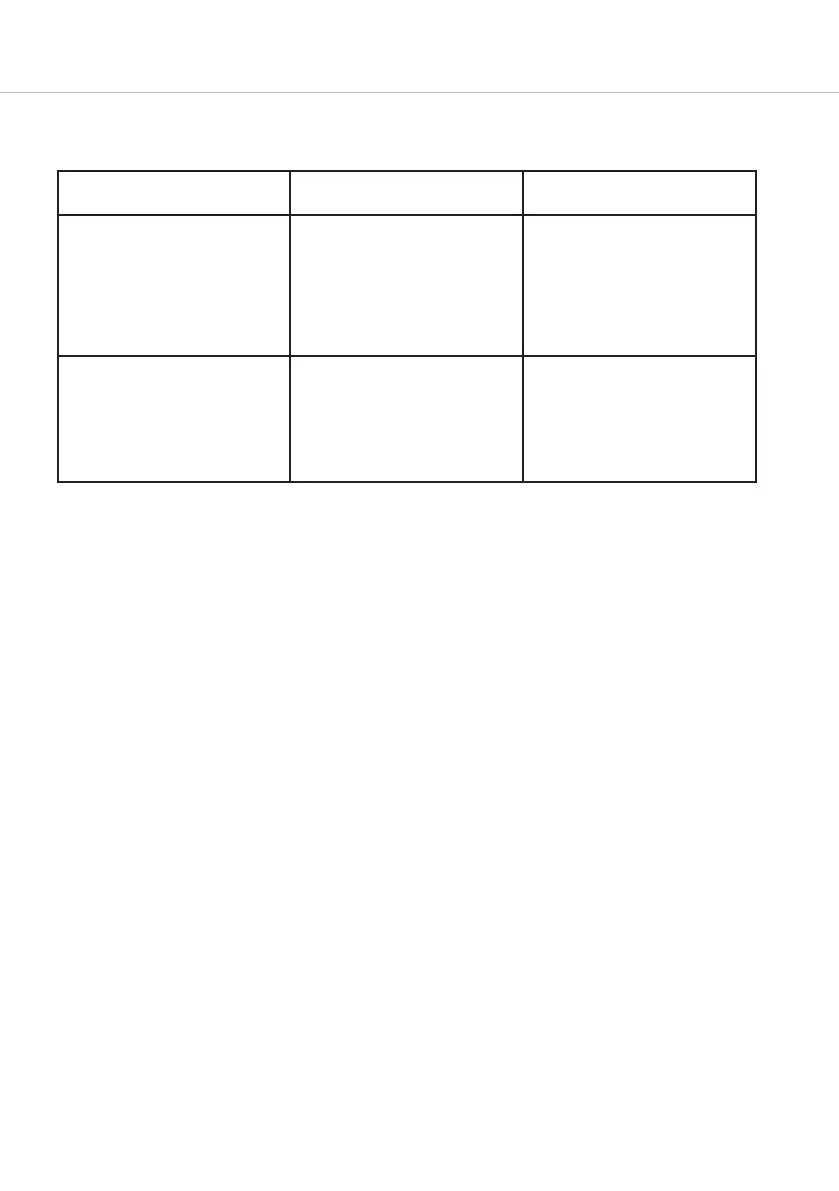
Problem Possible cause Solution
The amplifier does not work. The
Power LED does not illuminate
although the A 1 is connected to
the mains.
The internal fuse is probably blown. Unplug the power cable of the A 1,
before changing the fuse. The fuse
holder is directly next to the
mains connection. Pull the small
cover and replace the fuse (5 x 20)
by the same type 110 - 120 V,
0.315 A, slow.
Although the headphone is properly
connected there is no sound. The
Power LED illuminates green.
Different source selected, volume
turned to minimum or defective
cable.
Check the selected audio source
and the cabling on the rear of the
A 1. Make sure that the volume is
not turned too high, as sudden
high volumes may occur which can
damage your hearing.


 To Next Page
 Loading...