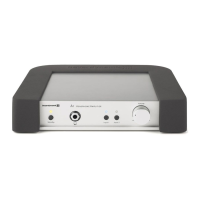
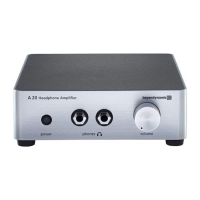
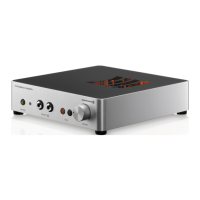
Impacto essential – High-end cable DAC & Amplifier
1
0
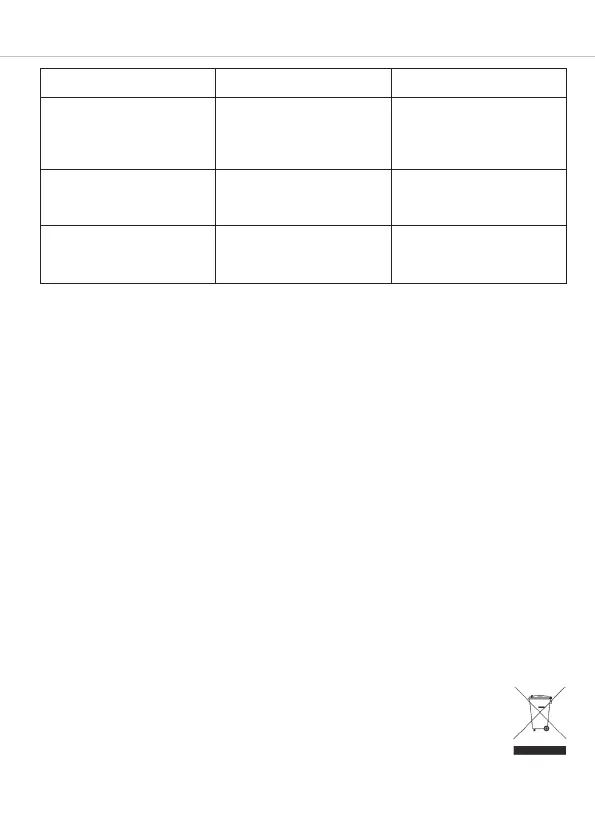
Problem Cause Solution
No Hi-Res files can be played
back.
No Hi-Res player app or
software is present on the
playback device.
Download a suitable Hi-Res
player app or piece of software
to the playback device and in-
stall the app or software.
The Play/Pause and Skip to
the previous/next track buttons
are not working.
The playback device is not
accepting the control com-
mands or is not compatible.
Set the required function on
the playback device instead of
on the Impacto.
The volume buttons are not
working.
The Impacto is not working
properly.
Disconnect the USB cable
from the Impacto and then re-
connect it.
Accessories – optional
Battery pack for the Impacto essential . . . . . . . . . . . . . . . . . . . . . . . . . . . . . . Order no. 717.827
Firmware
• No firmware updates are necessary or available for the Impacto essential.
Spare parts
• Spare parts for the Impacto essential can be found on the Internet at www.beyerdynamic.com on
the “Service” tab.
Product registration
• You can register your Impacto essential by entering the serial number online at
www.beyerdynamic.com.
Guarantee terms/warranty
• You can find the current guarantee/warranty terms on the Internet at www.beyerdynamic.com.
Technical specifications
Operating / charging temperature range. . . . . . . . . . . . . . . . . . . . . . . . . . . . . . 0 to 35 °C
Detailed technical specifications can be found on the internet at:
www.beyerdynamic.com/impacto-essential
Disposal
This symbol on the product, in the operating instructions or on the packaging means that
your electrical and electronic equipment should be disposed of separately from household
waste at the end of its life. There are separate collection systems for recycling in the EU.
For more information, please contact your local authorities or the dealer where you
purchased the product.



 To Next Page