english
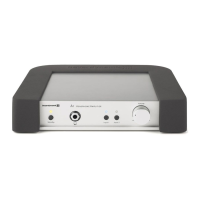
Impacto essential – High-end cable DAC & Amplifier
7
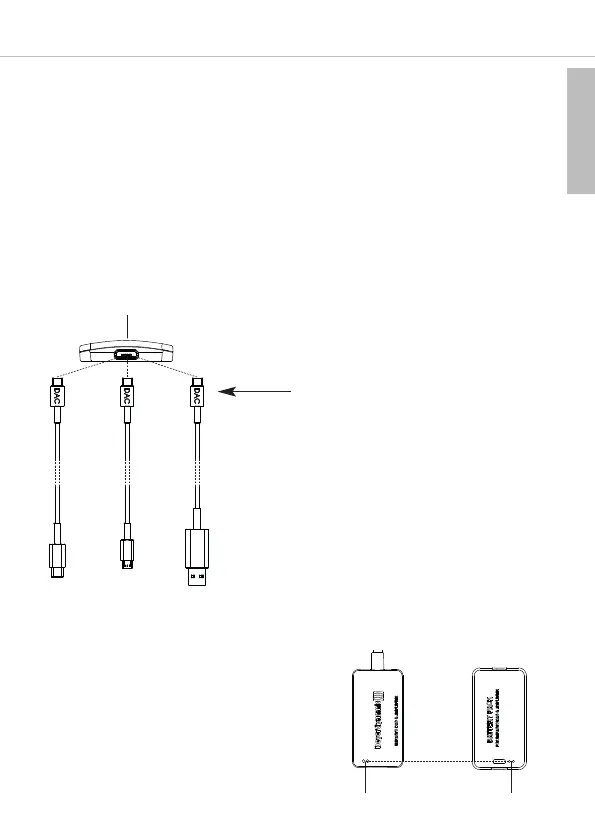
Bottom Impacto essential
Illustration 1-3
Note:
• For playing Hi-Res audio files you will need a suitable Hi-Res player software (PC/Mac) or a Hi-Res
player app (Android). For more information please go to www.beyerdynamic.com/impacto-essential.
• When playing a track and the Impacto essential receives audio data in a Hi-Res resolution (from
48 kHz) from the player, the LED on the Impacto essential will illuminate white. With lower
resolutions the LED will not illuminate.
• Please note that some players change the data rate by up- or downsampling so that the LED display
does not correspond to the original audio format.
• For optimum sound, please make the following settings in your playback device:
– Switch the equalizer off or set it to linear.
– Deactivate any sound profiles.
– Deactivate upsampling and downsampling.
– Set the volume to maximum.
Connect only the plug indicating “DAC” to the
Impacto essential.
Battery pack for the Impacto essential
(available as an option)
• A battery pack is available as an option to ex-
tend the running time of the playback device.
• Place the battery pack and the Impacto essen-
tial together. Make sure that the contacts are
aligned with each other (see Illustration 1-4).
Both parts are held together by magnets.
Important: The magnets that are installed in
the Impacto essential do not interfere with
the permanent magnets installed in the head-
phones and therefore will not have any nega-
tive effect on the sound quality.
ContactsContacts
Front of
battery pack
Back of
Impacto essential
Illustration 1-4



 To Next Page