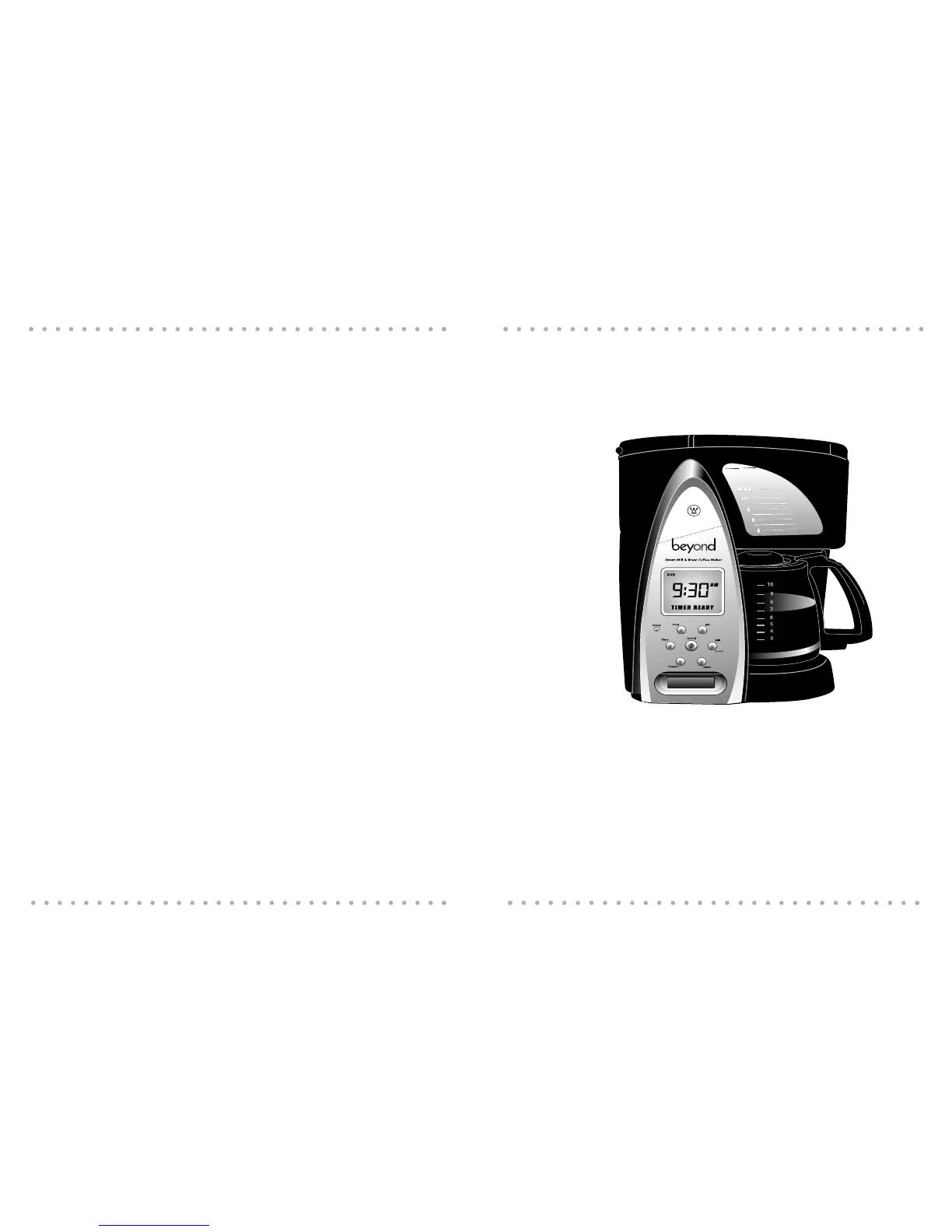
Carefully remove the Beyond Mill & Brew Coffee Maker and all other contents from the carton.
If there is any damage to the Coffee Maker, contact your Beyond retailer or contact Beyond
Customer Relations at 1-800-947-3744 (in the US) between 8 - 5:30 CST, Monday through
Friday, or by e-mail at consumer_relations@toastmaster.com
7
Thank you for purchasing the Beyond Mill & Brew Coffee Maker.
The Beyond Mill & Brew Coffee Maker integrates two products into one space-saving unit. The
built-in coffee mill grinds your whole coffee beans to the desired level of coarseness (you can
chosen from seven settings, or turn the mill off to use pre-ground coffee) -- and then proceeds
directly into the brewing process, eliminating the mess of transferring grounds and the coun-
tertop clutter of two large appliances.
Using the Coffee Maker’s control panel, you can set the system to make coffee immediately or
program a brew time up to 24 hours in advance so you have fresh-brewed coffee ready first
thing in the morning.
The mill assembly includes a permanent stainless-steel filter basket, so purchasing paper cof-
fee filters is unnecessary. In addition, the Coffee Maker has a 12-cup Water Window for deter-
mining how many cups you’re making and a hidden cord storage compartment for stowing
the electrical cord.
Networking
NOTE: To use the networking features of your Coffee Maker you must also have an iCEBOX™
Kitchen Entertainment Center.
Your Beyond Coffee Maker comes ready to install a SANI™ (Smart Appliance Network Interface)
Wireless Network card. When the card is properly installed in the Coffee Maker, your Coffee
Maker is able to exchange information with an iCEBOX™. This means you never have to set
the time or date on your Coffee Maker and you can use the iCEBOX’s easy-to-use touch-screen
interface to program different brew times for each day of the week.
Coffee Maker Features:
§ Beyond Connected Appliance communication via the SANI™ Wireless
Network Interface
§ Built in Mill & Brew capability
§ Time of day and week set automatically (network mode only)
§ Contemporary stainless steel and black styling
§ 12-cup capacity
§ LCD with bright blue backlight
§ ‘Pause & Pour’ allows you to pour a cup of coffee during the brew cycle
Before using your Coffee Maker for the first time, please take a few minutes to familiarize
yourself with the information in this manual.
6
Coffee Maker Owner’s Manual
3. Introduction
3. Unpack Your Beyond Mill & Brew
Coffee Maker



 To Next Page