Overview/ Purpose:
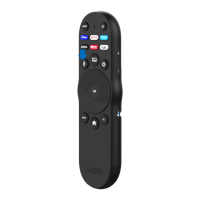
To help user quickly get started with Beyonics’s XRT270 Remote Control Unit (RCU).
Package inclusions:
In this packaging: XRT270 Remote control built by Beyonics.
Not Included: 2x AAA alkaline batteries, VIZIO SmartCast TV.
Steps:
1. Insert 2x AAA alkaline batteries into RCU.
2. Check RED LED blinks. (The status LED will flash until pair successfully)
3. Test keys’ IR functionality with VIZIO TV by press keys ONE by ONE.
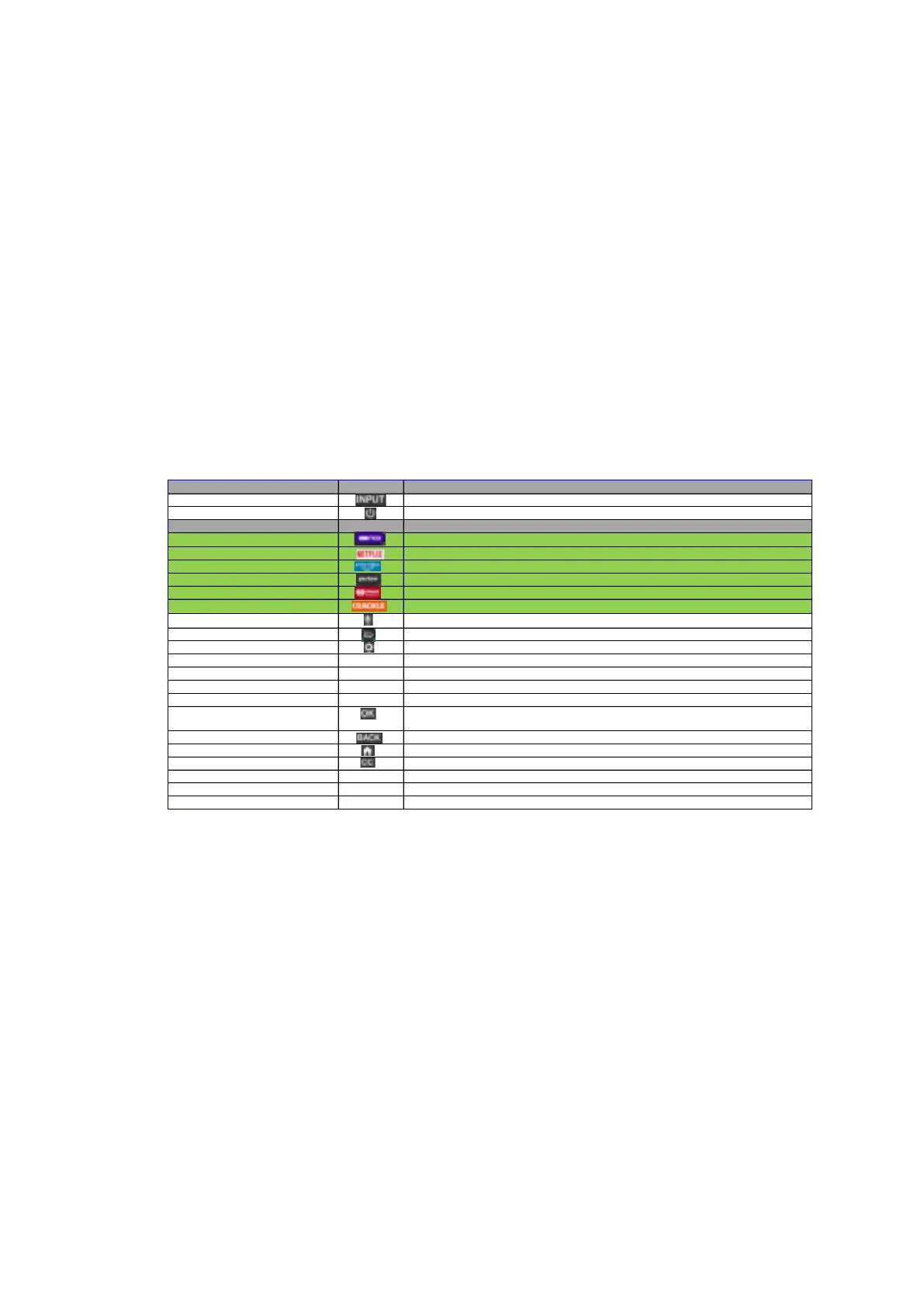
All keys will be response following below table.
4. Press MIC and MUTE keys to relaunch pairing mode.
Button Name Button Icon Button Description
Input
Toggles TV's power state between on and standby
App Shortcut 1 HBOMAX
App Shortcut 2
Netflix
App Shortcut 3
Amazon Prime Video
App Shortcut 4
Pluto
App Shortcut 5
iHeart
App Shortcut 6
CRACKLE
Mic
WatchFree
WatchFree+
Settings
Directional Ring (Up)
Navigate TV menu Up/Channel Up (if source is Tuner or App with Channel)
Directional Ring (Down)
Navigate TV menu Down/Channel Down (if source is Tuner or App with Channel)
Directional Ring (Left)
Navigate TV menu Left/Rewind
Directional Ring (Right)
Navigate TV menu Right/Fast Forward
OK
Confirm the selection (conditionally for Cast remotes, functions if play/pause is
pressed)
Launches SmartCast on TV screen


 To Next Page
 Loading...