EasyManua.ls Logo

BEZIOR S1 - Page 6

BEZIOR S1
8 pages
Print Icon
To Next Page IconTo Next Page
To Previous Page IconTo Previous Page
Loading...
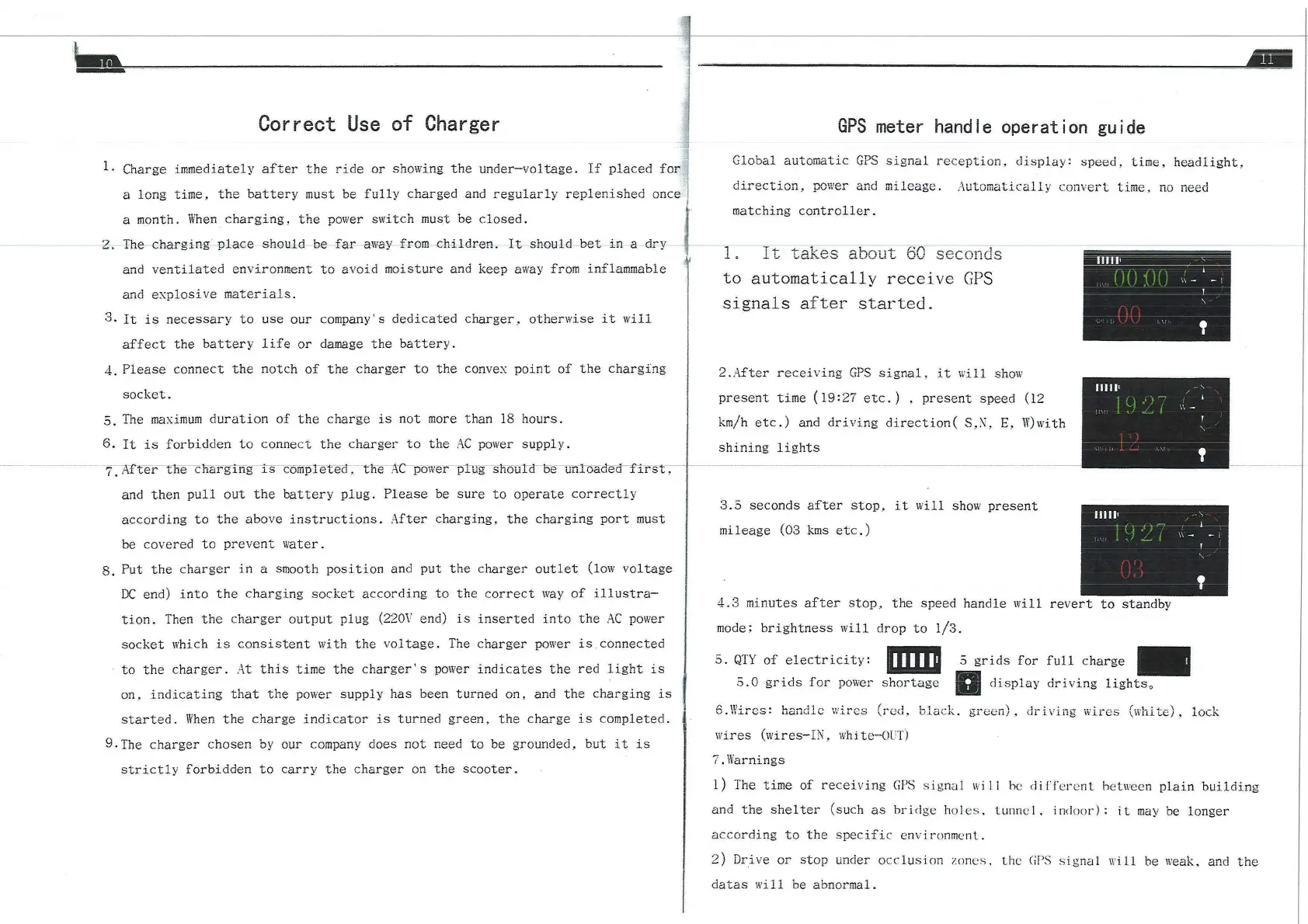
Correct
Use
of
Charger
1. Charge
immediately
after
the
ride
or
showing
the
under-voltage.
If
placed
for
a long time ,
the
battery
must be
fully
charged and
regularly
replenished
once
a month.
When
charging,
the
power
switch
must be
closed.
2.
'I'he
charging
place
should
be
fa
-r
away
from
e-hil-<lren-.
lt
sheuld
bet
in
a
dry
and
ventiiated
environment
to
avoid
moisture
and keep
away
from inflammable
and
explosive
materials.
3.
It
is
necessary
to
use
our
company' s
dedicated
charger
_.
otherwise
it
will
affect
the
battery
life
or
damage
the
battery.
4 .
Please
connect
the
notch
of
the
charger
to
the
convex
point
of
the
charging
socket.
5.
The
maximum
duration
of
the
char
·ge
is
not
more
than
18
hours.
6.
It
is
forbidden
to
connect
the
c
harger
to
the
AC
po
wer
supply.
--
--
-------
-
7.
-i
fftertne
c nargTng- ·
.r..s
--
c:0;;1prerea·,-
nu
n
zC--power
- p·
1\.rg
- snorrrn
··
o-e
-
urlloa<:1
·e·a-
f.lt
s t
---;--
and
then
pull
out
the
battery
plug.
Please
be
sure
to
operate
correctly
according
to
the
above
instructions.
After
charging.
the
charging
port
must
be
covered
to
prevent
water
.
8.
Put
the
charger
in
a smooth
posi
tion
and
put
the
charger
outlet
(low
voltage
DC
end)
into
the
charging
socket
according
to
the
correct
way
of
illustra-
tion.
Then
the
c
harger
output
plug
(220\1
end)
is
inserted
into
the
AC
power
socket
which
is
consistent
with
the
voltage.
The
charger
power
is
connected
to
the
charger.
At
this
time
the
charger's
power
indicates
the
red
light
is
on,
indicating
that
the
power
supply
has
been
turned
on, and
the
charging
is
started.
When
the
charge
indicator
is
turned
green,
the
charge
is
completed. i ·
9.The
charger
chosen
by
our company does
not
need
tobe
grounded,
but
it
is
strictly
forbidden
to
carry
the
charger
on
the
scooter.
GPS
rneter
handle operation guide
Global
automatic
GPS
signal
reception
,
display:
speed,
time,
headlight,
direction,
power
and
mileage.
Automatic'1lly conve
rt
time,
no
need
matching
controller.
l .
It
takes
aoout
60
sec
onds
to
automatically
receive
GPS
signals
after
started.
2 .
After
receiving
GPS
signal
~
it
will
show
present
time
(19:27
etc.)
,
present
speed (12
km/h
etc.)
and
driving
direction(
S,
N,
E,
W)with
shining
lights
---------------
3
.5
seconds
after
stop,
it
will
show
present
mileage
(03
kms
etc
.)
......
-
--
'
I
'
'I
\\
- - I
l
'
'
11111•
'
' ' I
. '
\\
-
'
'
11111'
\
••.
' j
' -
\\
- - I
'
'
'
4.3
minutes
after
stop.
the
speed
handle
will
re
vert
to
standby
rnocle;
brightness
will
drop
to
1/3.
5.
QTY
of
electricity:
mm
5.
0
grids
for
powe1·
shortage
5
gr
icls
for
full
charge
-
1111
display
drivi
ng
lights
0
6.Wires:
handle
wircs
(red,
bla
ck.
green),
driving
wires
(white),
lock
wires
(wires-IN,
whi
te-O
U
T)
7.Warnings
..
1)
The
time
of
receiving
GPS
sig
nal
will
hc
d
iff
ercn
L betwecn
plain
building
and
the
shel
ter
(such
as
brid
ge hol
es
. tunne I , i
nd
oo
r)
: i t
ma
y
be
longer
according
to
the
specific
environmcnt.
2)
Drive
or
stop
under
occlusion
7.o
nes.
the
GPS
signa
l
will
be
weak. and
the
datas
will
be abnormal.