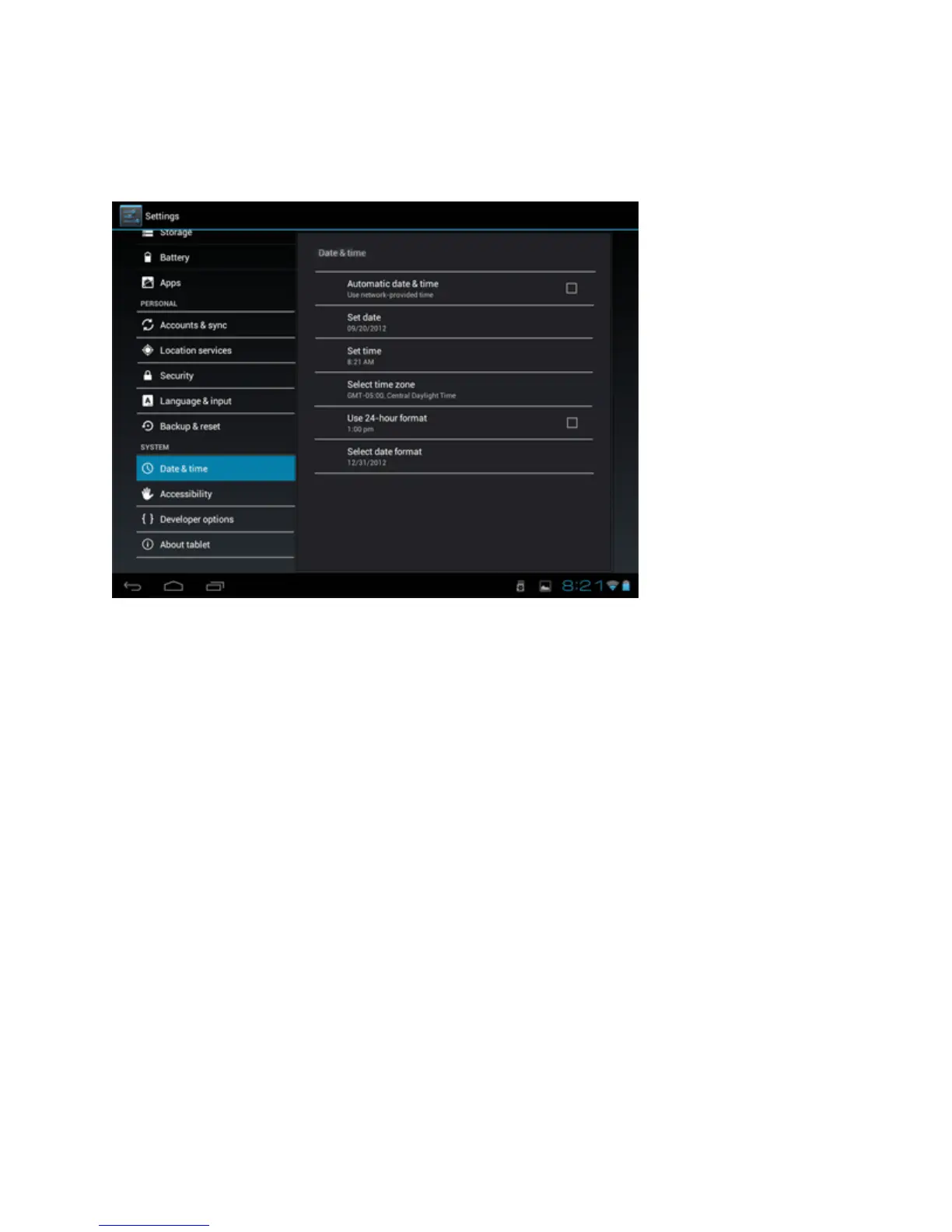
Setting the date and time
In the application menu, tap "Settings" and select "Date
and Time" list. Select "Automatic" and the date and time
will be set automatically using the values provided by the
network or uncheck "Auto" to adjust the date and time
manually. You can also set the time zone, set in a 24-
hour format and / or adjust the date format by pressing
the options provided for this purpose.


 To Next Page