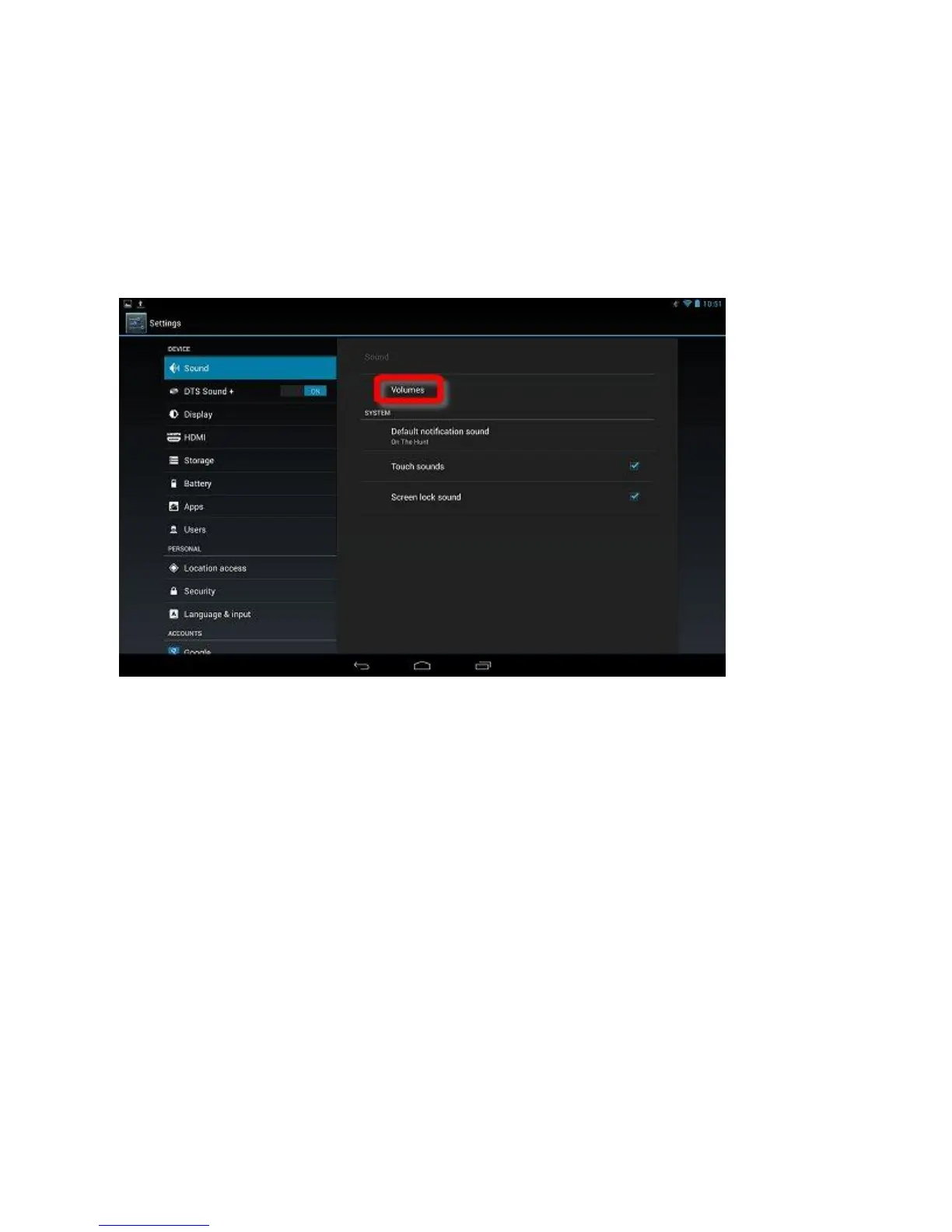
Adjusting Sound
On the Home screen, go to setting and click or
touch Sound.
Click or touch and drag the circle along the slider to adjust the
volume for each type of sound. Dragging the slider left
decreases the volume, and dragging the slider right increases
the volume. Click or touch Default notification, and select
your preferred notification sound. Touch sounds and Screen
lock sound are both enabled by default. Remove the check
marks next to either of these options to disable those system
sounds.


 To Next Page