4
Back
Short press to turn on, long
press to turn off
Display connection information
of Microphone 1-8
When the mic is not turned on, the "--"
on the display of the channel flashes in
sequence.
Adjust volume of mic 1-8:Turn
left to decrease the volume,
turn right to increase the
volume.
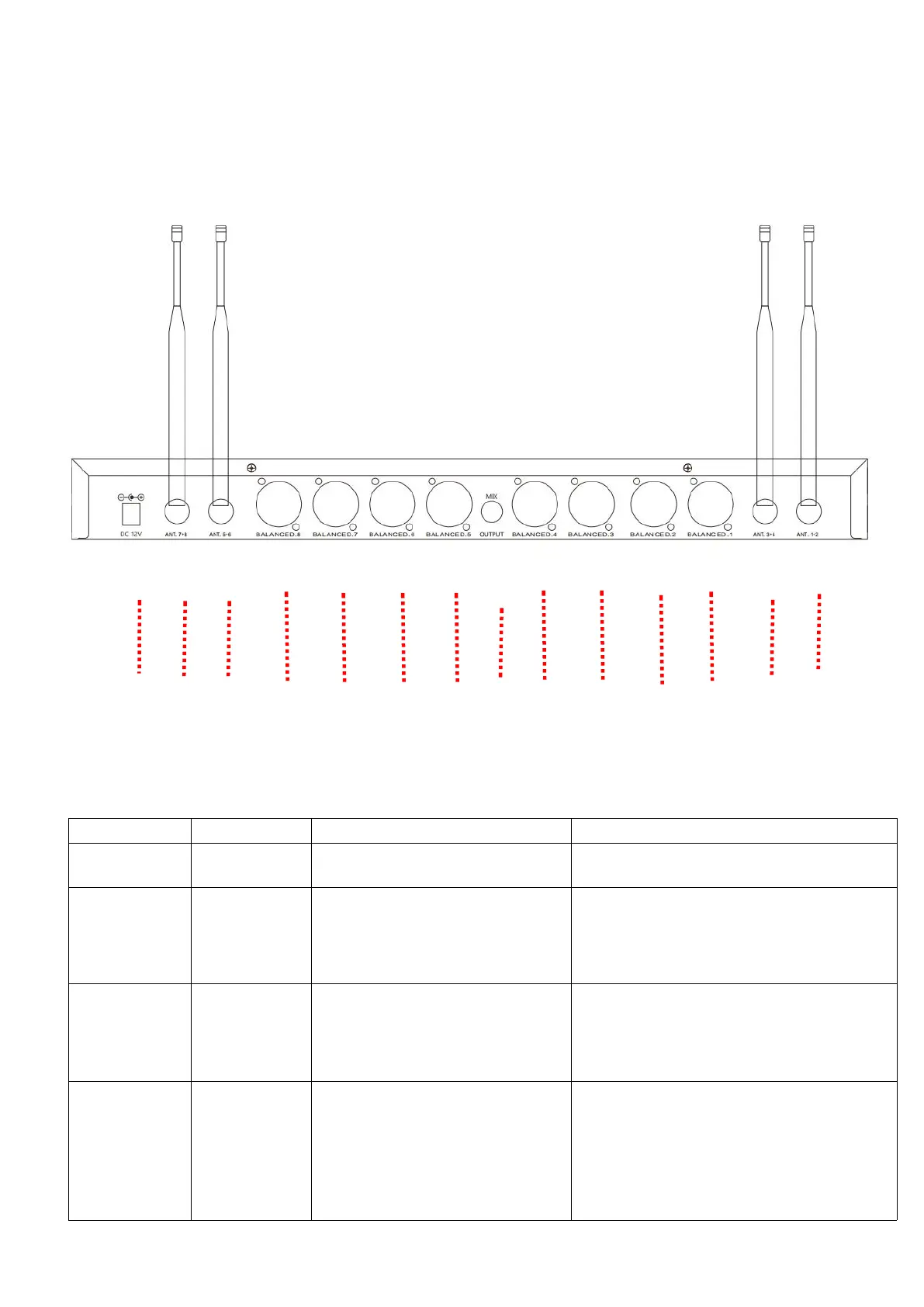
Receive wireless signals from
microphone 1、2、3、4、5、6、
7、8.
(1)Please tighten the nut to the right of
the antenna before turning it on for the
first time
(2)When connection is unstable and
sound is intermittent, you can adjust the
antenna direction to improve it.



 To Next Page