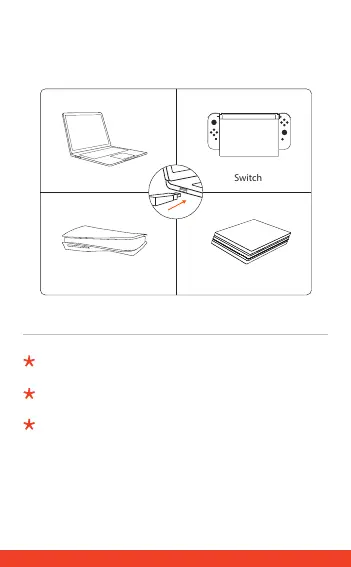
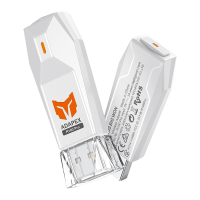
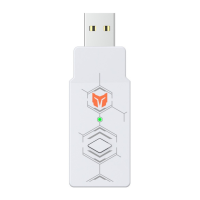
a. Insert R100 wireless adapter to the USB port on corresponding console
(PS5/PS4/PS3/Switch/Windows PC).
a. R100を対応デバイス(PS5/PS4/PS3/Switch/Windows PC)のUSB端子に差し
込みます。
a. 把R100无线接收器插入对应主机(PS5/PS4/PS3/Switch/Windows PC)的
USB接口。
1
To connect switch, please go to [System Settings]>[Controllers and Sensors]>[Pro
Controller Wired Communication] to enable this option.
Switchと接続する場合は、設定>コントローラーとセンサー>Proコントローラーの有線
通 信 をオン にしてくだ さい 。
连接Switch需前往 设置>手柄与感应器>Pro手柄的有线连接,开启该功能。


 To Next Page