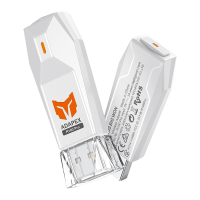
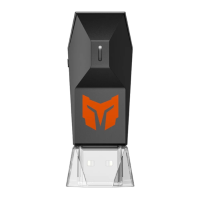
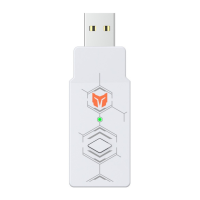
c. Press PAIR button on R100 adapter to enter pairing mode.
c. R100のペアリングボタンを押すると、R100を接続待ち状態に調整します。
c. 按下R100接收器的配对键,进入配对模式。
3
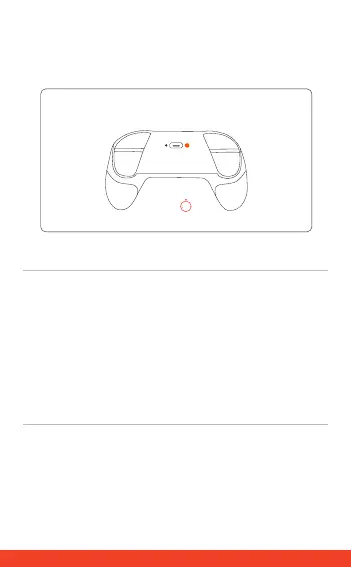
b. Activate pairing mode of corresponding controller (DualSense/
DualShock/Switch Pro/Xbox Wireless Controller/Elite/Elite Series 2)to
enter pairing state.
b. 接続されたいコントローラー(DualSense/DualShock/Switch Pro/Xbox
Wireless Controller/Elite/Elite Series 2)を接続待ち状態に調整します。
b. 根据不同手柄(DualSense/DualShock/Switch Pro/Xbox Wireless
Controller/Elite/Elite Series 2)激活对应的配对模式,手柄进入配对状态。
PAIR
03


 To Next Page