Connection
When connecting to the Switch, please open the "Settings > Controllers and
Sensors > Pro Controller Wired Communication"
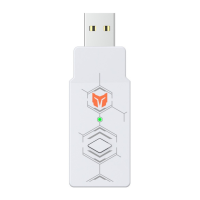
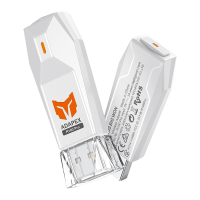
a. Connect the controller to R90 adapter: Make sure the controller is turned off,
and plug the USB cable to the port at the bottom of R90 adapter.
b. Connect R90 adapter to console: Insert the R90 into the console USB port.
c. The indicator lights of R90 and controller are always on, connection is
successful.
d. Then press the controller's HOME button again and can work normally.
BIGBIG WON Official Web: www.bigbigwon.com
Customer Service: support@bigbigwon.com
We are here to assist you with your BIGBIG WON devices. If you have any questions,
please feel free to contact us:
GET HELP WITH
BIGBIG WON SUPPORT
USE TUTORIAL


 To Next Page