Page 9 of 10
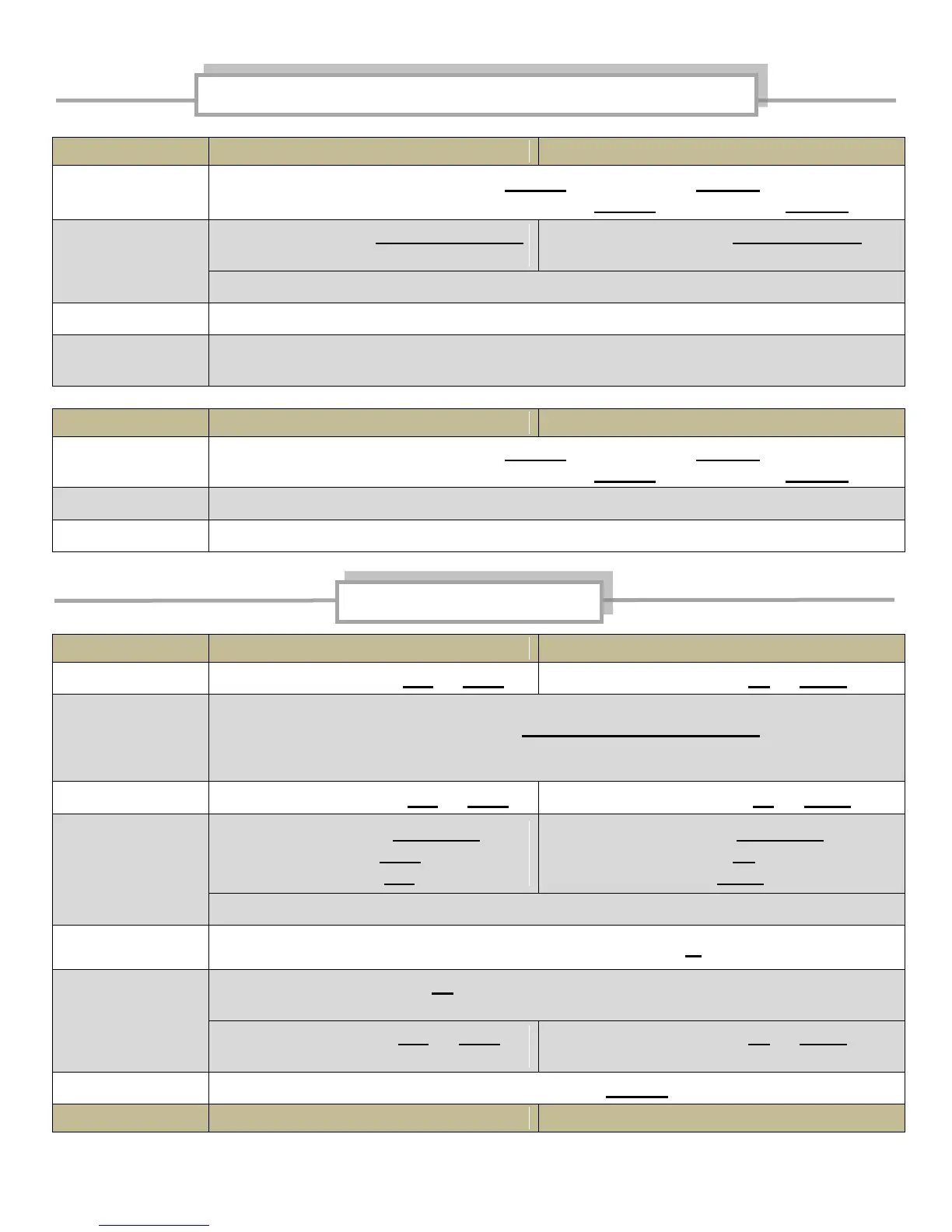
Left button - Push in/hold for 2 seconds, release
Exception – BT1005 module only – Push in/hold for 5 seconds, release
Left button - Push right and release
2-7 times (typical)
Left button - Push up and release
2-7 times (typical)
Step #2 will time out after 2 seconds following last push
Do not operate controls for 10 seconds to allow programming to reset
Ride bike to verify AVC program. Volume should change with speed.
Repeat above steps to reset AVC if necessary
Left button - Push in/hold for 2 seconds, release
Exception – BT1005 module only – Push in/hold for 5 seconds, release
Do not operate controls for 10 seconds to allow programming to reset
Perform above procedure – “Set AVC”
Left button – Push left or right
Left button – Push up or down
Change bands
(Radio, CD, IPOD,
Aux, Satellite,
USB)
Right button – Push in/momentary hold/release
until desired band is displayed
Right button – Push left or right
Right button – Push up or down
Right button – Push in/release then
push right button right (seek up) or
push right button left (seek down)
Right button – Push in/release then
push right button up (seek up) or
push right button down (seek down)
Seek preset mode times out after 4 seconds following last push
Right button – quick double push in
Left button - Push in repeatedly until desired function is displayed
then use a following step -
Left button – Push left or right
to adjust function
Left button – Push up or down
to adjust function
Right button – Push in/hold
Automatic Volume Control (AVC) Programming



 To Next Page