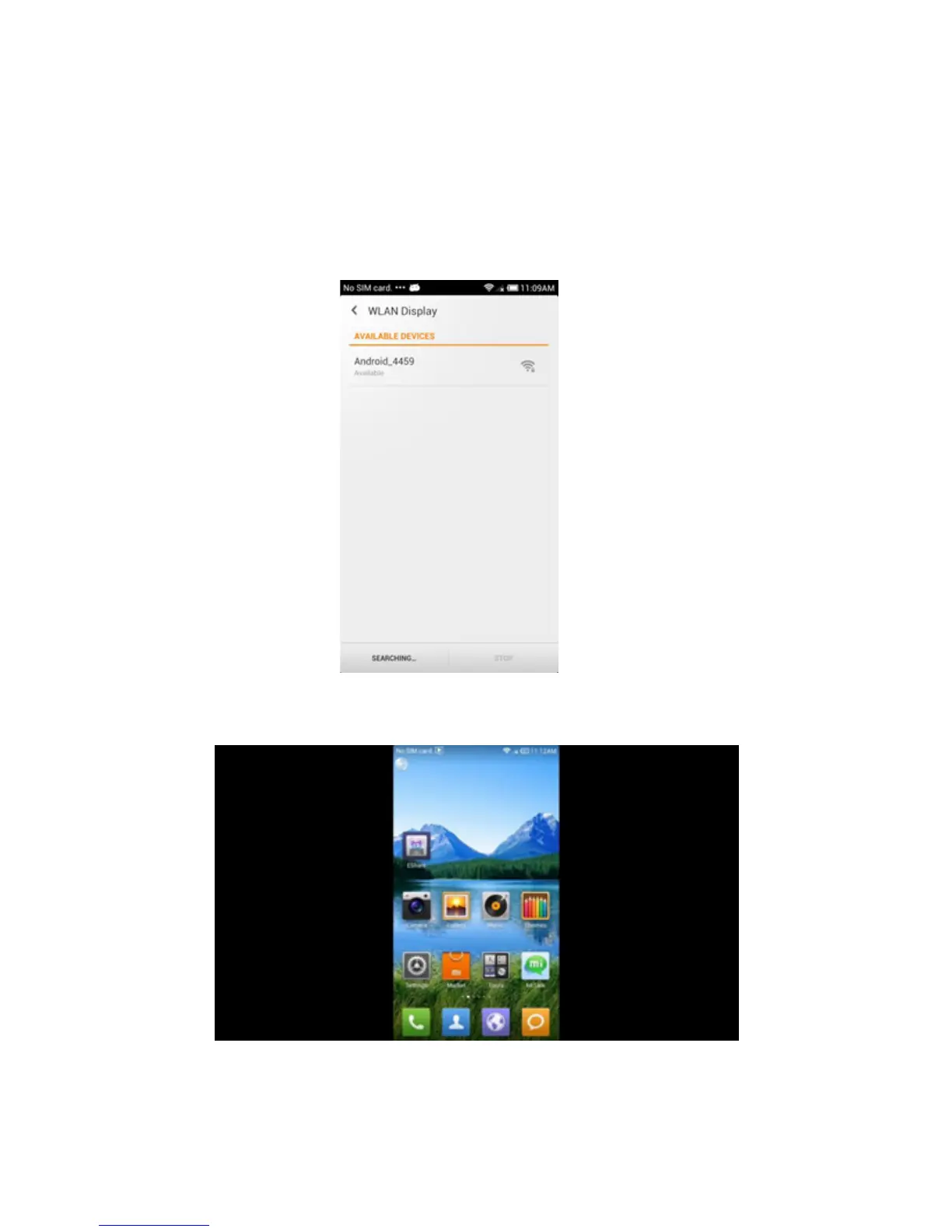
In the smartphone
Go to the conguration interface wireless display on your
smartphone, enable wireless display function and click the
name of MD04TV / MD05TV device to connect.
Once connected, you can enjoy movies, games on TV.
* Please ensure that both the MD04TV / MD05TV, as well
as the smartphone are running on the same wireless
network.



 To Next Page