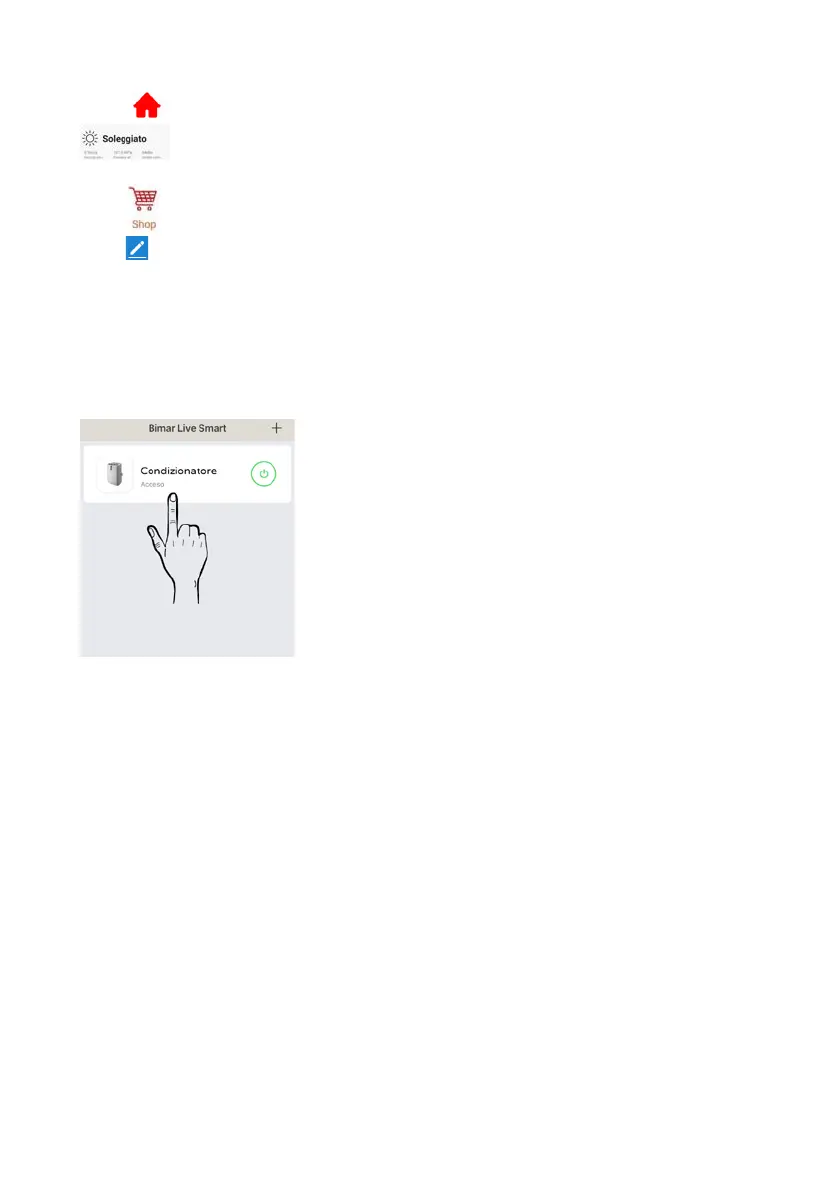
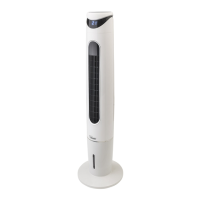
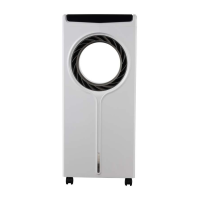
Press in the bottom left corner and then in the top of the screen, for example:
to customise (update and/or change where permitted) the appliance's position or
the outdoor wind speed, air pressure, humidity and temperature (see right).
Press to buy directly on Bimar App.
Press top right to customise the following: Change Device name, Device position, Check
Network, Third-party devices supported: Amazon Alexa, Google Assistant, Device sharing,
Create a Comment group, Device Info, Feedback, Update Firmware, Remove device, Reset to
factory settings.
The smartphone must be connected to Wi-Fi or cellular data network for remote control.
DESCRIPTION
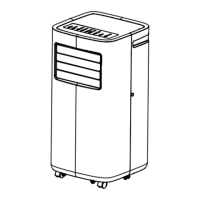
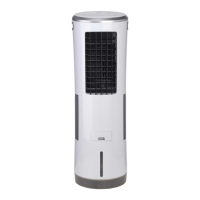
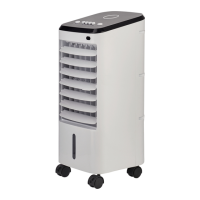
Description of appliance control panel or Use via smartphone (
Follow the procedure in point
1.1)


 To Next Page