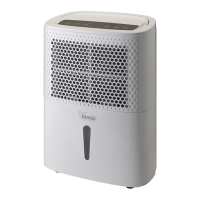
2. To pair new devices with the smartphone
2.7 Insert the plug in the power outlet. There is an audible "beep". Press the “ ”
button for about five seconds. There is an audible "beep" and the
“ ” light flashes
quickly. Release the button.
2.8 Open APP on the smartphone: in the first screen, click “ADD DEVICE” or click “ ” in the
top right corner.
2.9 In the next screen, click “ ”.
2.10 In the next screen, click” /Check that the LED flashes
quickly.


 To Next Page