22
•
can be activated only if minutes,hours and day are already set.
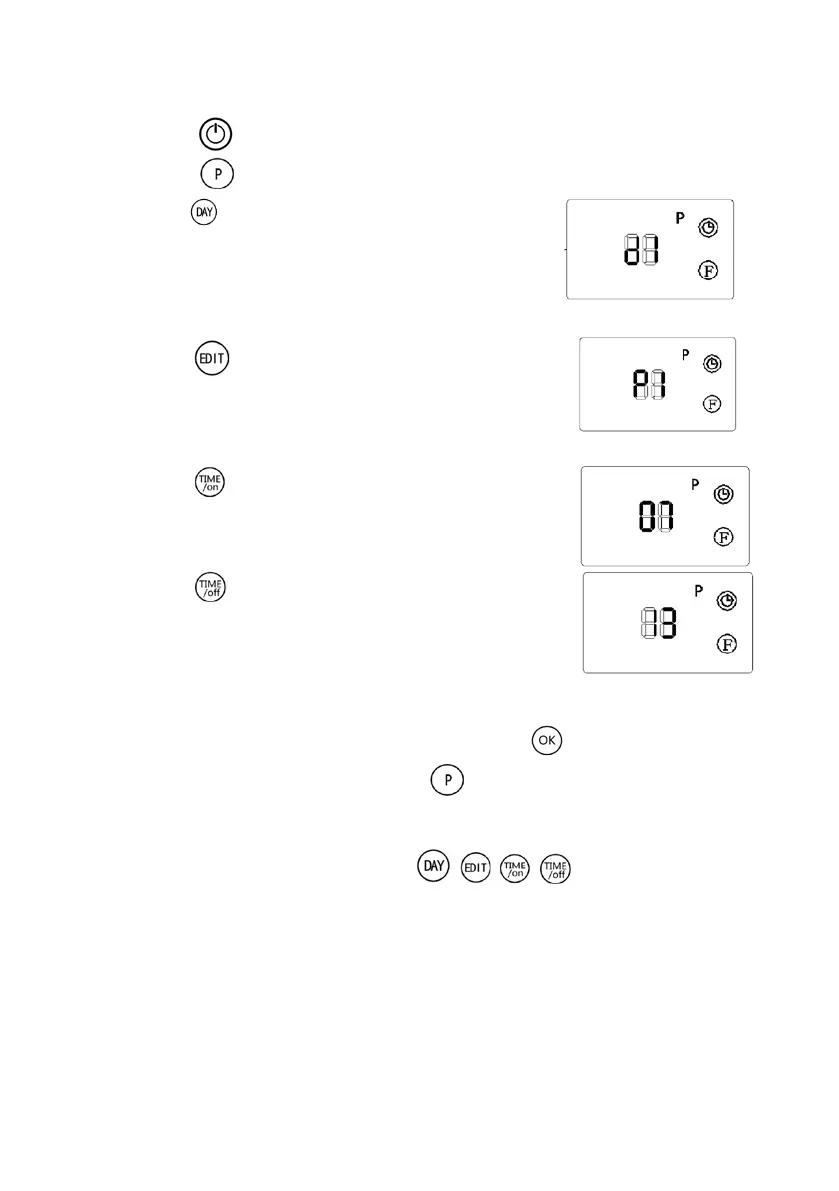
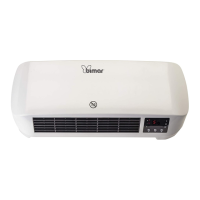
1. Press the button to start the appliance.
2. Press the button to start the programmation, display turns on.
3. Press the button (d1 will appear on the display)
to set the right day (d1= Monday; d2= Tuesday;
d3=Wednesday; d4=Thursday; d5=Friday;
d6=Saturday; d7=Sunday).
For example “ d1 “is Monday.
4. Press the button, “P1” will appear on the screen
for the first daily program, if you press it again it will
activate another daily program (maximum 6
programs). For example we have the first program
5. Press the button to select the starting time, “00”
appears on the display and every time the button is
pressed it adds one hour to the starting time.
6. Press the button to set the shut-down time, the
display shows the starting time, every time the button
is pressed it adds an hour to the shut-down time.
7. Set the temperature as explained in the previous chapter.
8. Repeat n.2 to n.7 to set the entire week, then press to confirm.
9. To stop the weekly program, press the button: the light next to “P” will shut
down, and the program is stopped. To restart the programmation press “P”
again.
To verify the programmation press the / / / buttons: the light next
to “P” lights up.
Note:
there is no regulation in minutes.
The shut-down time can not be lower than the starting time.
If the starting time and the shut-down time coincide the appliance goes into stand-by.
•


 To Next Page