Getting Started
2-5
)LOWHU:DYHOHQJWK/RFDWLRQV
Refer to Chapter 3 for instructions on determining filter locations. Record
the filter locations to be entered into KC4.
&KHFNLQJWKH&203RUW
Next, turn on the FL600 Reader using the switch located on the right side
of the front panel and check the COM Port Setting.
NOTE: When the Reader has been switched on, a green light next the switch
lights up and the plate transport moves out, ready to load a plate.
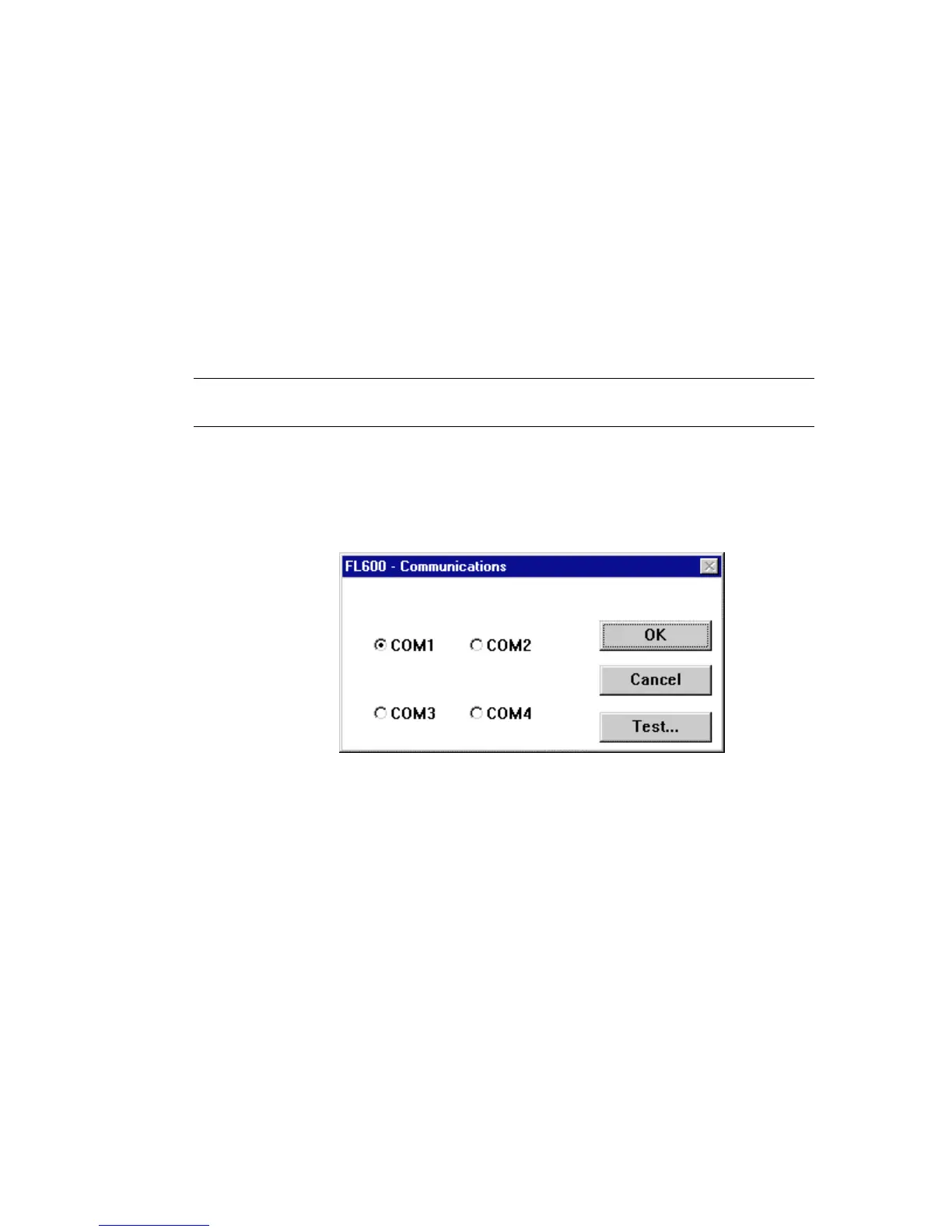
Step 1:
Pull down the
Instrument
menu and select
Communications
. A
dialog box appears showing you the currently selected
communications port, through which the software is attempting to
communicate with the FL600 Reader:
Figure 2-3: Communications Port Settings Screen


 To Next Page
 Loading...