MetaBird-v1-03/15/20 Page 10 on 30
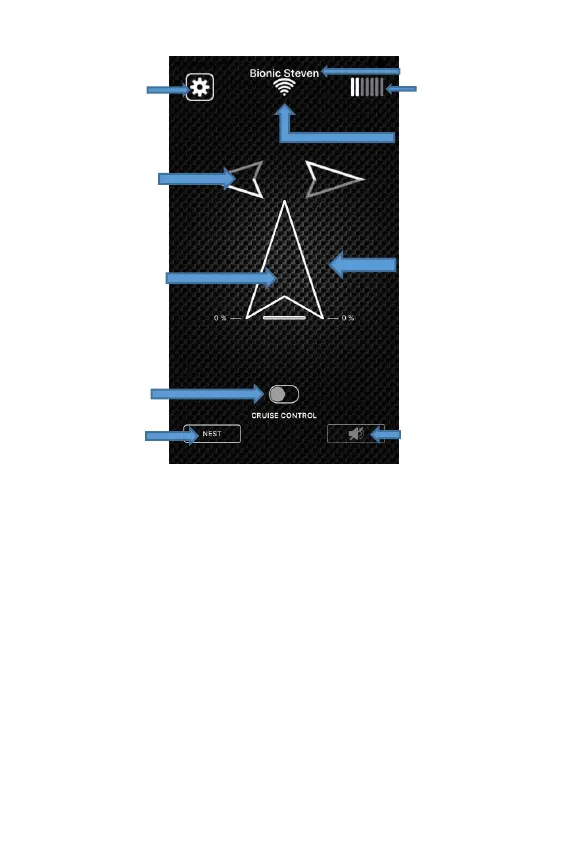
Direction: The direction of a turn (right/left) and its
angle is controlled by the tilt angle of the smartphone.
The arrow becomes progressively grey when the tilting
is active. Tilt sensitivity can be altered in the advanced
settings screen.
Throttle control: This controls the power of the flapping
of the wings and therefore the speed at which the bird
gains altitude. The cursor position is relative - all you
need to do is place your finger somewhere on the screen
to create the zero position. Then, glide your finger
towards the top to accelerate, and towards the bottom
to reduce the throttle.
When CRUISE CONTROL is inactive, the cursor returns
to zero as soon as you lift your finger (it springs back)


 To Next Page
 Loading...